
Steps to Handle Low Bandwidth / VPS Speed Issues
1. Verify the VPS Plan Details
-
-
Check advertised speed, bandwidth quota and fair usage policy (FUP).
-
Make sure your expectations match the plan description.
-
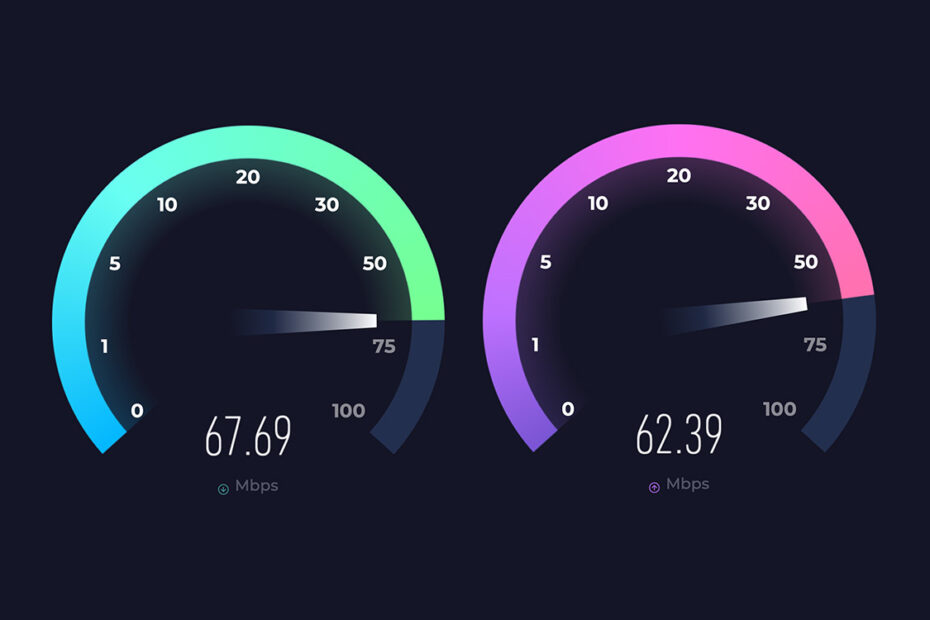
2. Run Speed Tests
-
-
Use reliable tools:
-
Linux:
speedtest-cli -
Windows: https://www.speedtest.net/
-
Download/upload test with
wgetorcurl
-
-
Test at different times to account for peak hours.
-
3. Check for Throttling or Limits
-
-
Look at usage in your VPS panel.
-
Confirm if shared node congestion or network policies may slow the VPS.
-
4. Collect Evidence
-
-
Take screenshots of speed test results.
-
Note date, time and VPS IP.
-
Keep the original product description for comparison.
-
5. Contact Support
-
-
Submit a ticket with all details.
-