
Discover how to easily How to Reset VPS Password via Control Panel, allowing you to regain access to your server quickly and securely.
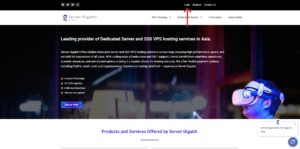
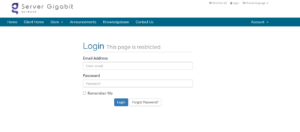
1. Log in to Your VPS Provider Account
-
-
Open your browser and access your VPS dashboard.
-
2. Click on the ‘Services’ .
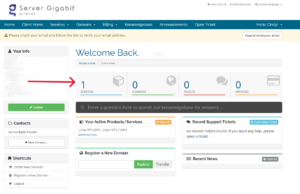
3. Select the VPS / Server
-
-
Click on the VPS you want to reset the password for.
-
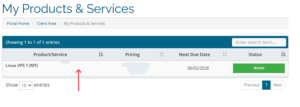
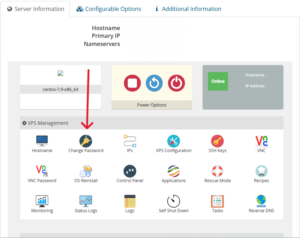
4. Scroll down to Server Information session, then click on Change Password
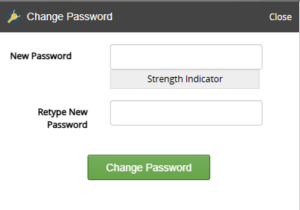
5. Enter a New Password
-
-
Use a strong password with uppercase, lowercase, numbers, and symbols.
-
Save the password somewhere secure.
-
6. Apply the Changes
-
-
Click Change Password
-