
Learn how to quickly How to Reinstall OS via VPS Control Panel, ensuring a fresh server setup and smooth system performance.
1. Log in to Your VPS Provider Account
-
-
Open your browser and access the VPS provider dashboard.
-

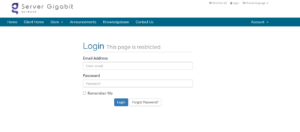
2. Click on ‘Services’
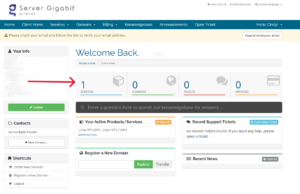
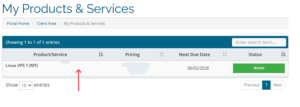
3. Select the VPS / Server
-
-
Click on the VPS you want to reinstall.
-
4. Scroll down to Server Information session, click on OS Reinstall
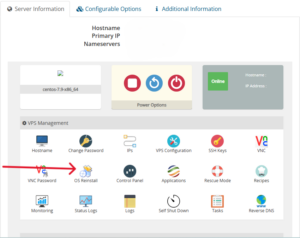
5. Choose the Operating System
-
-
Pick the OS version you want to install
-
6. Set the Root / Administrator Password
-
-
Enter a new strong password.
-
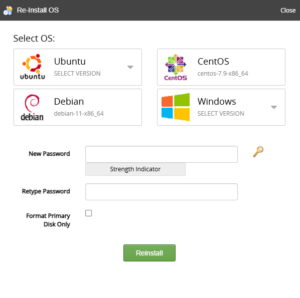
7. Confirm the Reinstall
-
-
Read any warnings (all data will be erased) and click OK.
-
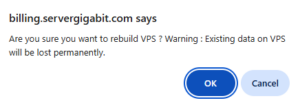
8. Wait for the Reinstallation to Complete
9. Access the VPS
-
-
Linux: via SSH (
ssh root@your_server_ip) -
Windows: via RDP with new administrator credentials
-