
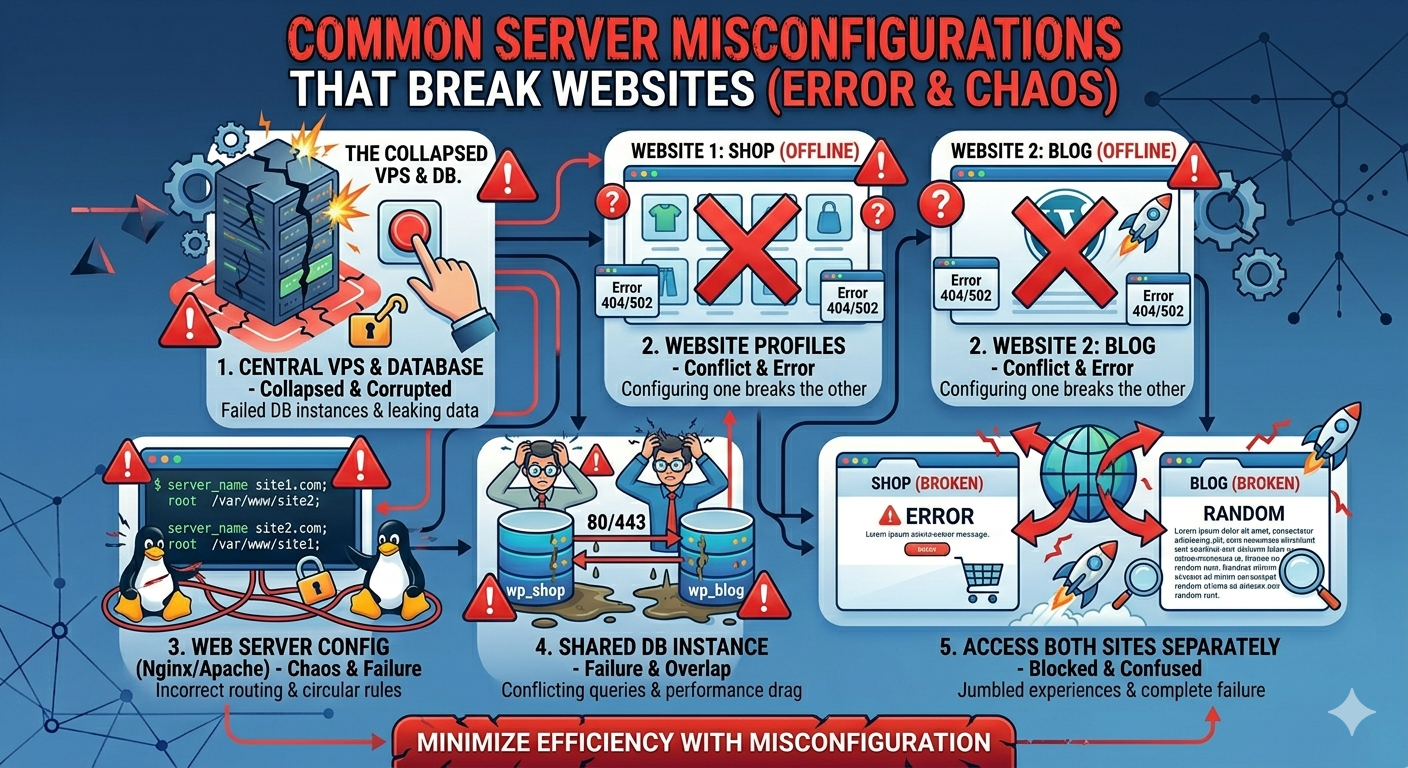
Server misconfigurations are one of the most common reasons websites experience downtime, slow performance, or complete failure. Even with powerful hosting infrastructure, a poorly configured server can cause serious issues that affect user experience, SEO rankings, and business revenue.
Many website owners assume that hosting problems are caused by hardware or provider issues. In reality, most problems come from incorrect settings, missing configurations, or improper server management. Understanding these mistakes is essential for maintaining a stable and secure website.
In this article, we will explore the most common server misconfigurations that break websites and how to fix them effectively in 2026.

1. Incorrect File Permissions
One of the most dangerous server misconfigurations is incorrect file permissions. If permissions are too loose, hackers can modify or delete critical files. If they are too strict, the website may stop working.
Problems caused:
- Website errors (403/500)
- Security vulnerabilities
- Broken functionality
How to fix:
- Set proper permissions (e.g., 644 for files, 755 for directories)
- Avoid using full access (777)
- Regularly audit file permissions
2. Misconfigured DNS Settings
DNS controls how your domain connects to your server. Incorrect DNS configuration can make your website completely unreachable.
Problems caused:
- Website not loading
- Domain pointing to wrong server
- Email delivery issues
- Verify A records and CNAME records
- Use reliable DNS providers (Cloudflare, etc.)
- Allow time for DNS propagation
3. Improper SSL Configuration
SSL certificates are essential for website security. Misconfiguration can lead to browser warnings and broken HTTPS connections.
Problems caused:
- “Not Secure” warnings
- Mixed content errors
- Broken login or payment pages
How to fix:
- Install valid SSL certificates
- Redirect HTTP to HTTPS properly
- Fix mixed content (HTTP resources inside HTTPS pages)
4. Poor Firewall Configuration
A firewall protects your server, but incorrect settings can block legitimate traffic or leave ports open.
Problems caused:
- Website inaccessible
- Security vulnerabilities
- Unauthorized access
How to fix:
- Allow only necessary ports (80, 443, SSH)
- Block unused services
- Use tools like UFW or CSF
5. Web Server Misconfiguration (Apache/Nginx)
Incorrect web server settings can cause slow performance or complete site failure.
Problems caused:
- 500 Internal Server Error
- Slow response time
- Broken routing rules
How to fix:
- Review configuration files carefully
- Enable compression (Gzip/Brotli)
- Optimize worker settings
6. Database Configuration Errors
Databases are critical for dynamic websites. Poor configuration can lead to slow queries or crashes.
Problems caused:
- Slow website loading
- Database connection errors
- Timeouts
How to fix:
- Optimize MySQL/MariaDB settings
- Use indexing properly
- Regularly clean unused data
7. Missing Backup Configuration
Many servers fail because backups are not properly configured or do not exist at all.
Problems caused:
- Permanent data loss
- No recovery after crash or hack
- Business downtime
How to fix:
- Set automatic daily backups
- Store backups offsite
- Test restoration process regularly
8. Overloaded Server Resources
Misconfigured resource allocation can overload CPU, RAM, or disk usage.
Problems caused:
- Slow performance
- Server crashes
- High load average
How to fix:
- Monitor resource usage
- Optimize applications
- Upgrade VPS resources if needed
9. Open and Unused Ports
Leaving unnecessary ports open increases attack risks.
Problems caused:
- Security breaches
- Unauthorized access
- Malware infections
How to fix:
- Scan open ports regularly
- Close unused services
- Restrict SSH access
10. No Monitoring System in Place
Without monitoring, issues go unnoticed until the website breaks.
Problems caused:
- Unexpected downtime
- Slow response detection
- Delayed troubleshooting
How to fix:
- Use monitoring tools (Netdata, UptimeRobot)
- Set alerts for downtime and high usage
- Review logs regularly
Conclusion
Server misconfigurations are a silent but serious threat to website performance and security. Even small mistakes in configuration can lead to downtime, slow loading speeds, and security vulnerabilities.
By avoiding these common server misconfigurations and applying proper fixes, businesses can significantly improve website stability, performance, and security in 2026. Proper server management is essential for maintaining a strong and reliable online presence.
