
A VPS (Virtual Private Server) gives you more control, better performance, and higher flexibility compared to shared hosting. However, many users do not realize that a VPS can still perform poorly if it is not configured correctly. A poorly configured VPS can lead to slow websites, security risks, downtime, and wasted resources.
In this article, we will look at the 10 most common signs your VPS is poorly configured and how you can fix them effectively in 2026.
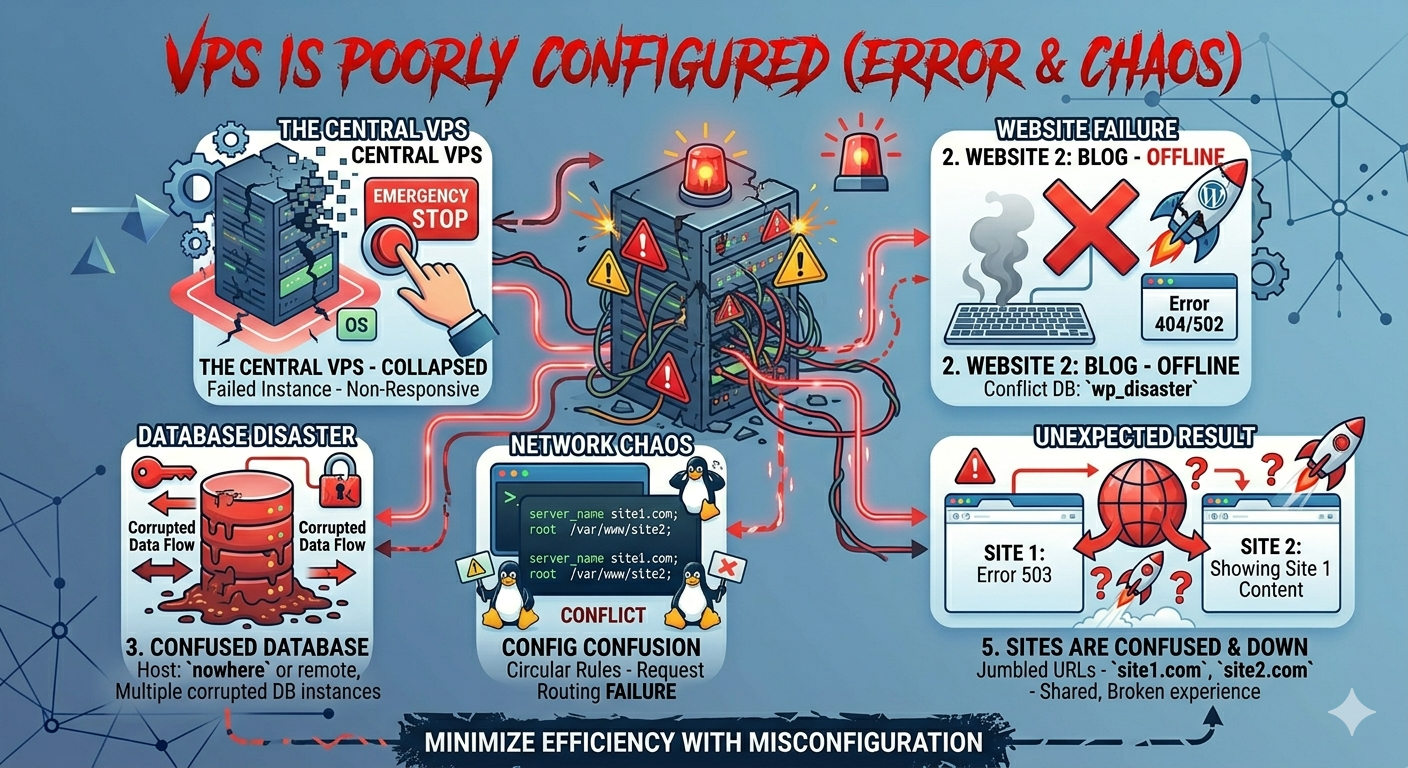
1. Slow Website Loading Speed
One of the first signs of a poorly configured VPS is slow website performance. If your website takes too long to load, it usually means your server is not optimized.
Possible causes:
- Insufficient RAM or CPU allocation
- No caching system
- Heavy unoptimized scripts
How to fix:
- Enable server-side caching (like Redis or Varnish)
- Optimize images and database
- Upgrade VPS resources if needed
2. High CPU Usage All the Time
If your VPS CPU usage is constantly high, it indicates poor resource management.
How to fix:
- Identify heavy processes using monitoring tools
- Optimize applications or scripts
- Limit background tasks
- Upgrade CPU if traffic is high
3. Frequent Server Downtime
Unexpected downtime is a major sign of misconfiguration.
How to fix:
- Check server logs for errors
- Use a stable web server (Nginx/Apache properly configured)
- Set up monitoring tools like UptimeRobot
- Ensure proper firewall and service configuration
4. Poor Security Setup
A poorly configured VPS is often vulnerable to attacks.
Warning signs:
- Multiple unauthorized login attempts
- Malware infections
- Open unused ports
How to fix:
- Disable root login via SSH
- Use SSH keys instead of passwords
- Install firewall (UFW or CSF)
- Enable Fail2Ban
5. No Backup System
If your VPS has no backup strategy, it is a serious configuration mistake.
How to fix:
- Set up automatic daily backups
- Store backups offsite (not on same server)
- Test restore process regularly
6. Poor Database Performance
Slow database queries affect overall website performance.
How to fix:
- Optimize MySQL/MariaDB settings
- Remove unused tables and data
- Enable query caching
- Use indexing properly
7. Overloaded RAM Usage
When RAM is constantly full, your VPS is not configured properly.
How to fix:
- Add swap memory
- Optimize running services
- Close unnecessary applications
- Upgrade RAM if needed
8. Misconfigured Web Server
Incorrect Apache or Nginx settings can break performance.
How to fix:
- Tune worker processes
- Enable compression (Gzip/Brotli)
- Configure proper caching headers
- Remove unused modules
9. No Monitoring System
Without monitoring, you cannot detect problems early.
How to fix:
- Install monitoring tools (Netdata, Zabbix)
- Track CPU, RAM, disk usage
- Set alerts for downtime or spikes
10. Poor Disk Space Management
Running out of disk space causes server failures.
- Clean unused files and logs regularly
- Use log rotation
- Monitor disk usage automatically
- Upgrade storage if needed
Conclusion
A poorly configured VPS can severely affect website performance, security, and reliability. The good news is that most issues can be fixed with proper optimization and regular maintenance.
By checking these 10 signs and applying the fixes, you can ensure your VPS runs smoothly, securely, and efficiently in 2026. Proper configuration is just as important as choosing the right hosting plan, so always keep your server optimized and monitored.
