
How to Choose the Best Hosting for WordPress
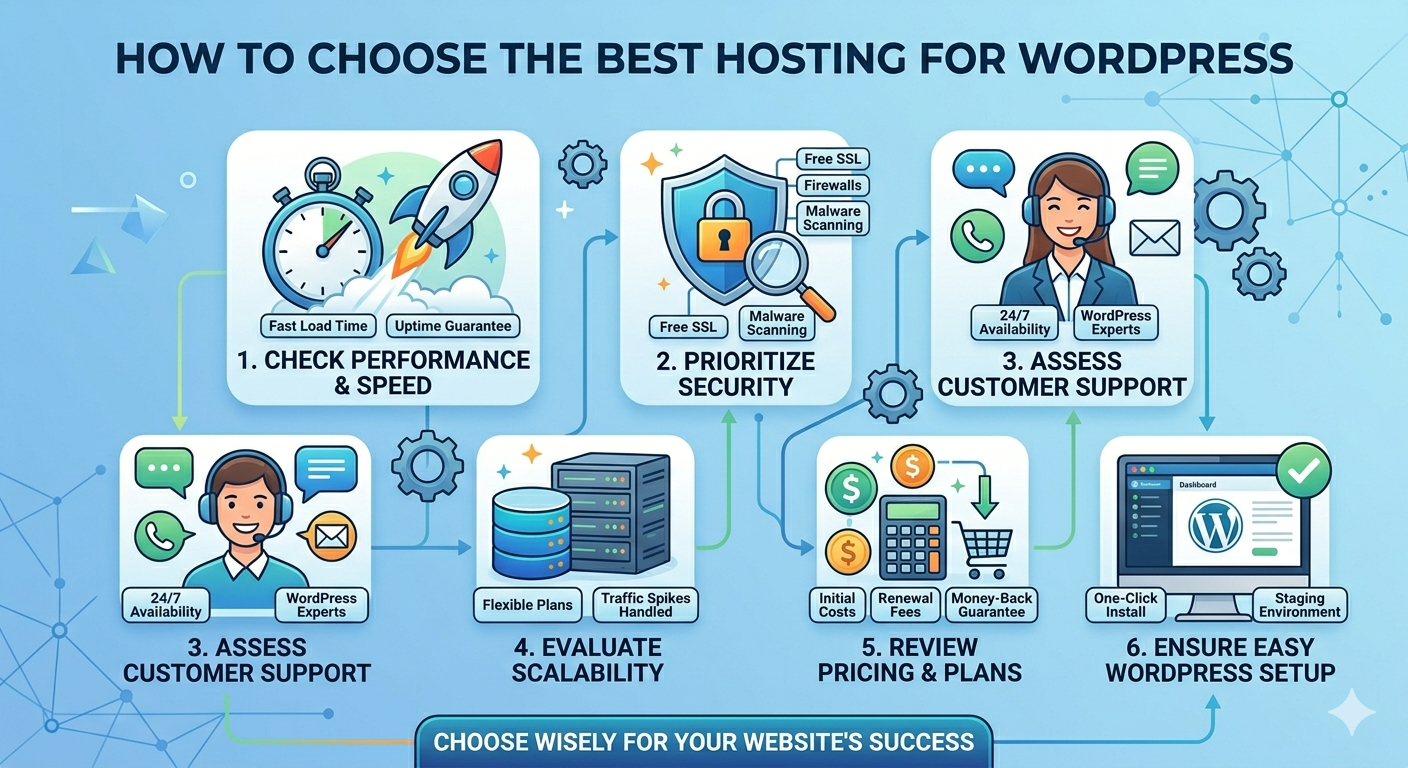
Choosing the right hosting for WordPress is one of the most important decisions when building a website. The right hosting affects your speed, security, uptime, SEO ranking, and user experience. Even a well-designed WordPress site can perform poorly if the hosting is weak.
WordPress can run on many types of hosting, but not every hosting is optimized for it. That’s why you need to know what to look for before buying a plan.
1. Choose the Right Type of Hosting
Before looking at features, understand the main hosting types:
- Shared Hosting – Cheapest, good for beginners or small blogs
- VPS Hosting – More power, stable performance, good for growing websites
- Cloud Hosting – Scalable and flexible for traffic spikes
- Managed WordPress Hosting – Fully optimized and maintained for WordPress
If your website is a business site or growing project, VPS or managed WordPress hosting is usually the best choice.
2. Look for Good Performance (Speed Matters)
Website speed is critical for SEO and user experience.
A good WordPress host should offer:
- SSD or NVMe storage
- Optimized server stack (LiteSpeed / Nginx / Apache tuning)
- Latest PHP versions (PHP 8+)
- Built-in caching (or support for caching plugins)
Fast hosting = faster page load = better Google ranking.
3. Make Sure Uptime Is Reliable
Uptime means how often your website is online.
Look for:
- At least 99.9% uptime guarantee
- Stable server infrastructure
- Monitoring and failover systems
Even small downtime can affect sales, trust, and SEO.
4. Security Features Are a Must
WordPress is popular, so it is also a target for attacks.
Good hosting should include:
- Free SSL certificate
- Firewall protection (WAF)
- Malware scanning
- DDoS protection
- Regular backups
Security is not optional—it protects your website data and users.
5. Easy WordPress Setup
A good hosting provider should make setup simple.
Look for:
- One-click WordPress installation
- Auto-updates for WordPress core
- Easy control panel (cPanel or custom panel)
- Simple domain connection
This helps beginners launch websites faster without technical skills.
6. Scalability for Future Growth
Your hosting should grow with your website.
Check if the provider allows:
- Easy upgrade from shared → VPS → dedicated/cloud
- More CPU, RAM, and storage when needed
- Handling traffic spikes without crashing
7. Backup System
Backups are essential for recovery if anything goes wrong.
Look for:
- Daily or weekly automatic backups
- One-click restore options
- Offsite backup storage
Without backups, a small mistake can cause big data loss.
8. Good Customer Support
Hosting issues can happen anytime.
A reliable provider should offer:
- 24/7 support
- Fast response time
- WordPress knowledge
- Live chat or ticket system
Good support saves time and prevents downtime.
9. Server Location Matters
Server location affects website speed.
Choose a server close to your audience:
- Asia users → Malaysia/Singapore servers
- Global users → multiple data centers
Closer server = faster loading time.
10. Check Hosting Optimization for WordPress
Some hosting providers are specially optimized for WordPress performance.
Look for features like:
- LiteSpeed Web Server support
- Built-in caching system
- WordPress staging environment
- Automatic updates for plugins/themes
These features help your website run smoother without needing too many manual tweaks.
11. Developer-Friendly Features
If you plan to customize or manage your website more deeply, choose hosting that supports:
- SSH access
- Git integration
- PHP version control
- Database management (MySQL/MariaDB)
- Cron jobs
These features are important for developers or advanced users who want full control over their website.
12. Avoid Overly Cheap Hosting
Cheap hosting may look attractive, but it often comes with limitations like:
- Slow server performance
- High downtime risk
- Limited support
- Oversold resources
This can affect your website SEO and user experience in the long run.
It’s better to invest in stable hosting than to switch later due to performance issues.
13. Test Before You Commit (If Possible)
Some hosting providers offer:
- Money-back guarantee
- Trial period
- Monthly billing option
This allows you to test:
- Speed
- Stability
- Support quality
before committing long-term.
Final Thoughts
Choosing the best WordPress hosting is not just about picking the cheapest plan—it’s about choosing performance, reliability, and scalability.
A good hosting provider should support your website growth, keep it secure, and ensure fast loading speed at all times. Whether you are running a blog, business site, or online store, the right hosting makes a huge difference in your success.
For long-term growth, VPS hosting is often the best balance between affordability and performance, especially for websites that expect increasing traffic.
