

Here are the top 7 RDP security tips for Windows servers safe. Remote Desktop Protocol (RDP) allows administrators and users to access Windows servers remotely, which is essential for managing servers efficiently. However, RDP is a common target for cyberattacks, including brute-force attacks, ransomware, and malware. Ensuring your RDP connection is secure is critical for protecting sensitive data and maintaining server stability.

1. Use Strong Passwords and Account Policies
Weak passwords make your server an easy target. Enforce strong password policies to improve security.
Tips:
- Use complex passwords with letters, numbers, and special characters
- Avoid common or reused passwords
- Enforce account lockouts after multiple failed login attempts
2. Limit RDP Access by IP Address
Restricting RDP access to trusted IP addresses reduces exposure to attackers scanning for open RDP ports. Configure Windows Firewall or network firewall rules to allow only trusted IPs. For remote teams, consider using a VPN for secure access
3. Change the Default RDP Port
By default, RDP uses port 3389, which is widely known and frequently targeted. Changing the port can reduce automated attacks. Choose a high, non-standard port number and update firewall rules to reflect the new port.
4. Enable Network Level Authentication (NLA)
NLA requires users to authenticate before establishing a remote desktop session, providing an extra layer of security.
Benefits:
- Prevents unauthorized users from connecting
- Reduces exposure to brute-force attacks
- Compatible with modern Windows Server versions
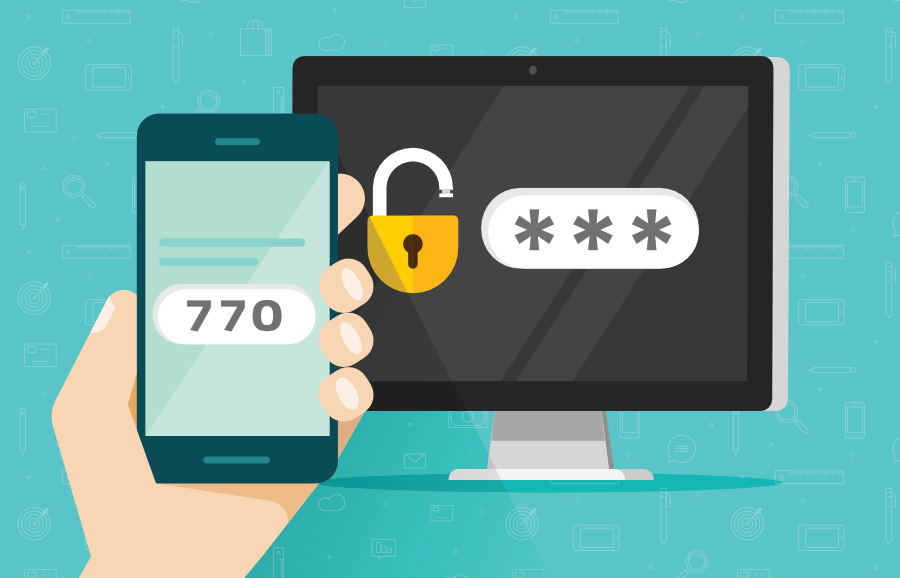
5. Use Two-Factor Authentication (2FA)
Adding 2FA provides an additional verification step beyond a password, making it much harder for attackers to gain access. Use built-in Windows solutions or third-party 2FA tools and require 2FA for all administrative accounts.
6. Keep Windows and RDP Software Updated
Outdated software may contain vulnerabilities that attackers can exploit. Apply Windows updates and security patches regularly, enable automatic updates if possible and monitor for critical patches from Microsoft.
7. Monitor RDP Access and Logs
Regular monitoring helps detect suspicious activity early and prevents potential breaches. Enable auditing for login attempts and failed connections, review security logs periodically and set up alerts for unusual login patterns.
