Set default page on Linux plesk using .htaccess
Applies to :
- Linux Server
- Requirements
Requirements
To perform this task, you need to have :
- Knowledge in accessing the server via SSH or FTP.
- IP address or server hostname.
- Your server SSH/FTP username and password.
Instructions
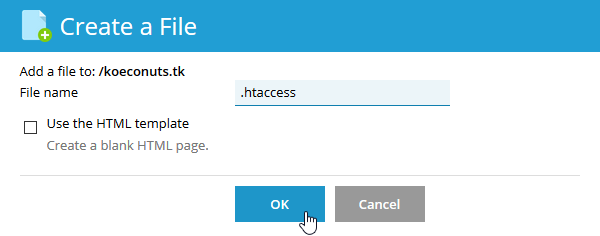
In the folder where you want a DirectoryIndex rule to take effect, you can simply create a file named “.htaccess.” You may not be able to create “.htaccess” in a shared hosting plan because you are not allowed to start uploading or creating a filename with.” “(dot). Our support can help you rename the file later, though.
Copy the following line in .htaccess file :
DirectoryIndex default.html index.html index.cgi index.php
Please note that from left to right, the Apache server must check for list files. The Apache server will first check for “default.html” to load in the above example. If it is not possible to find “default.html,” it will look for “index.html” first. If it is not possible to find “index.html,” it will look for “index.cgi” next and so on.