
Introduction
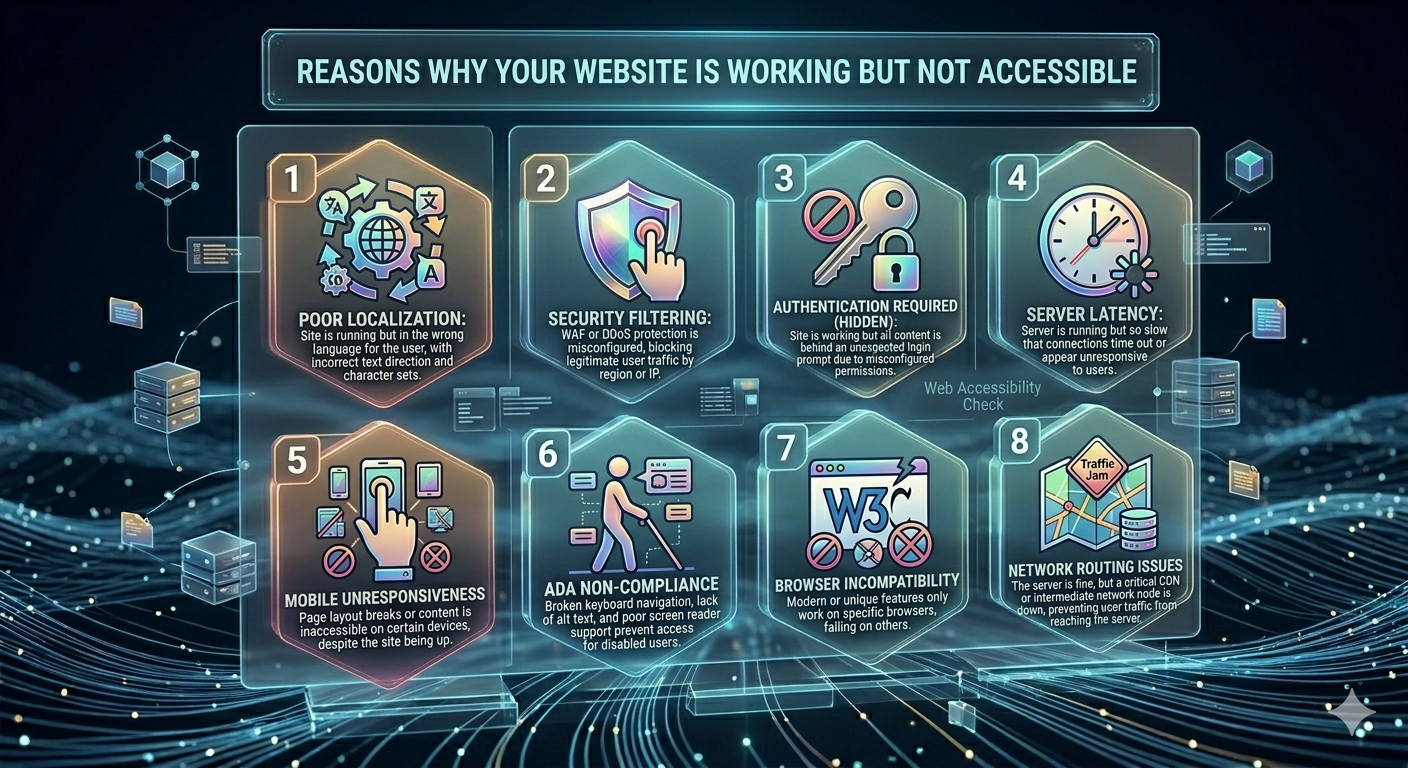
Why your website working but not accessible is a frustrating issue that many website owners experience. Everything may look normal from your hosting dashboard server is online, resources are active, and no downtime is reported but users still cannot reach your website.
This happens because website accessibility depends on multiple layers, not just whether the server is running. DNS, firewall rules, server configuration, CDN routing, and even ISP-level restrictions can all affect access.
Understanding why your website working but not accessible is important because it helps you quickly identify the root cause and fix the issue before it affects users, traffic, or business performance.
1. DNS Propagation and Incorrect DNS Settings
One of the most common reasons is DNS propagation or incorrect DNS configuration.
When you change hosting, update nameservers, or modify DNS records, it takes time for the internet to update globally.
During this time:
- Some users can access your website
- Some users cannot
- Some regions show different results
Why this happens:
DNS records are cached by ISPs and devices, so changes are not instant.
Fix:
- Wait 24–48 hours for full propagation
- Use DNS checker tools
- Clear browser and system DNS cache
2. Firewall or Security Blocking Access
Even if your server is running, firewall rules may block incoming traffic.
This is very common in VPS and managed hosting environments.
Possible causes:
- IP address blocking
- Country-level restrictions
- Security plugins blocking users
- Fail2Ban or brute force protection
Result:
Server is online but users get denied access or timeouts.
Fix:
- Review firewall rules
- Temporarily disable security rules for testing
- Whitelist trusted IP addresses
3. Domain Not Pointing Correctly
Incorrect domain configuration is another major reason.
Even a small mistake in DNS settings can break accessibility.
Common issues include:
- Wrong nameservers
- Incorrect A record IP
- Missing DNS entries
- Expired domain
Fix:
- Double-check DNS configuration
- Ensure correct server IP is assigned
- Use DNS propagation checkers
4. Web Server Running but Not Responding Properly
Sometimes Apache, Nginx, or LiteSpeed is running but not serving requests correctly.
Symptoms include:
- Blank pages
- Timeout errors
- 500 or 502 errors
Fix:
- Restart web server services
- Check error logs
- Ensure ports 80 and 443 are open
- Verify virtual host configuration
5. Hosting Resource Limitations
Even if your server is online, resource exhaustion can make it inaccessible.
Common issues:
- CPU overload
- RAM exhaustion
- Disk space full
- Too many processes running
Result:
Website becomes slow or completely unreachable.
Fix:
- Monitor server resources
- Optimize applications
- Reduce background processes
- Upgrade hosting if needed
6. SSL or HTTPS Misconfiguration
SSL issues can also make your website appear inaccessible.
Common problems:
- Expired SSL certificate
- Incorrect HTTPS redirect loop
- Mixed content errors
Result:
Browsers block access or show security warnings.
Fix:
- Renew SSL certificate
- Configure HTTPS properly
- Fix mixed content issues
7. ISP or Network-Level Blocking
Sometimes the issue is not your server at all.
Your website may be blocked by:
- ISP filters
- Corporate or school networks
- Regional restrictions
- Local DNS issues
Fix:
- Test using mobile data
- Try VPN access
- Change DNS to Google (8.8.8.8)
8. CDN or Network Routing Issues
If your website uses a CDN (like Cloudflare or similar services), routing issues can affect accessibility.
Traffic is distributed across multiple servers globally, and sometimes issues occur at the edge network.
Possible problems:
- CDN edge failure
- Cached incorrect content
- Origin server not syncing
- Geo-routing delays
Result:
Some users can access your website while others cannot.
Fix:
- Purge CDN cache
- Temporarily bypass CDN
- Check origin server connection
- Review CDN settings
Conclusion
Why your website working but not accessible is usually caused by DNS issues, firewall restrictions, server misconfiguration, CDN routing problems, or network-level blocking.
Even if your server is running normally, multiple layers between the server and users can cause accessibility failures.
By understanding these critical reasons, you can quickly diagnose and fix issues before they impact your users or business operations.
