
Introduction
Plugins are one of the best things about platforms like WordPress. They let you add features without coding—like contact forms, SEO tools, security systems, and more.
But there’s a problem: installing too many plugins can seriously slow down your website.
In this article, we’ll break down how too many plugins affect your website speed and why it happens behind the scenes in a simple, easy-to-understand way.
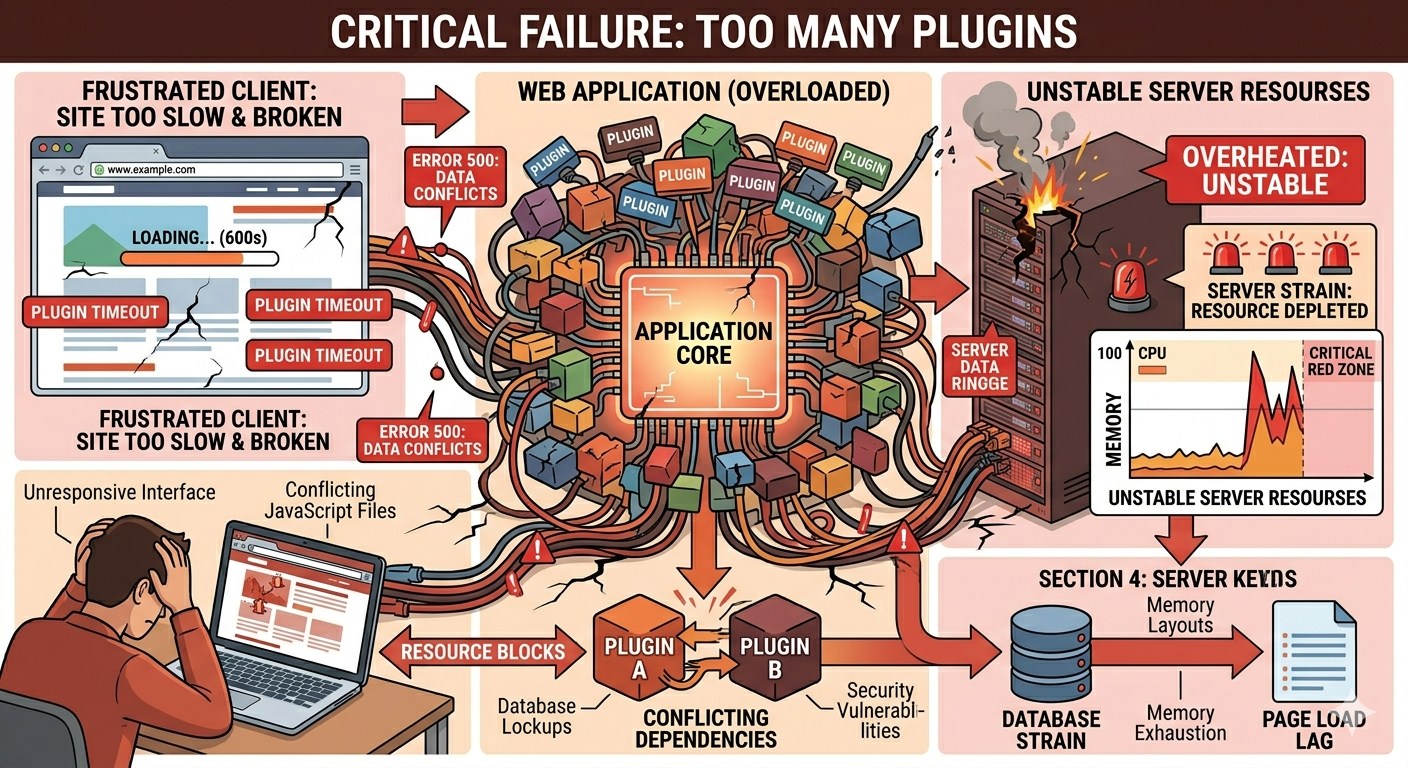
1. Each Plugin Adds Extra Code
Every plugin you install adds its own code to your website.
When a visitor loads your page, the server has to process all active plugin code. The more plugins you have, the more work the server must do, which increases loading time.
Even small plugins can add unnecessary overhead if they are not optimized.
2. More HTTP Requests Are Created
Plugins often load external files like:
- CSS stylesheets
- JavaScript files
- images or fonts
Each of these creates additional HTTP requests.
Too many plugins = too many requests = slower page loading.
3. Database Becomes Heavier
Some plugins store data in your website database.
Over time, this can lead to:
- large database size
- slow query performance
- longer response times
This is especially noticeable on websites with many plugins that constantly write data.
4. Conflicts Between Plugins
Not all plugins are built the same way.
Sometimes plugins conflict with each other, causing:
- slow performance
- broken features
- error messages
These conflicts force your server to work harder, which slows down your entire website.
5. Increased Server Load
Every plugin uses server resources like CPU and RAM.
Too many active plugins can overload your hosting server, especially if you are using shared hosting.
When resources are limited, your website becomes slow or even unresponsive.
6. Longer Page Rendering Time
When a user visits your website, the browser must:
- load plugin scripts
- execute plugin functions
- render plugin elements
If there are too many plugins, this process takes longer, resulting in delayed page display.
7. Poor Website Performance Overall
All the issues above combine into one major problem: poor website performance.
This affects:
- user experience
- SEO rankings
- conversion rates
Search engines like Google also consider page speed as a ranking factor, so slow websites may rank lower.
8. Plugin Updates Can Slow Down Your Site Temporarily
Another thing many people don’t realize is that plugin updates can also affect performance.
When plugins are updated:
- new code is added
- old functions may be replaced
- compatibility checks are triggered
During or after updates, your website may experience:
- temporary slow loading
- slight instability
- higher server usage
If you have too many plugins, these updates can stack up and cause noticeable performance drops.
9. Security Plugins Can Add Extra Processing
Security plugins are important, but they also consume resources.
They often perform:
- real-time traffic scanning
- malware detection
- login protection checks
- firewall filtering
While these features protect your website, they also add extra processing work every time someone visits your site.
If you have multiple security-related plugins, this can further slow down your website speed.
10. Optimization Becomes Harder With More Plugins
The more plugins you install, the harder it becomes to optimize your website.
You may face:
- difficulty identifying which plugin is slowing things down
- conflicting optimization settings
- inconsistent performance results
This is why developers often recommend using only essential plugins and avoiding unnecessary ones.
How to Fix Plugin Overload
You don’t need to remove all plugins—but you should manage them properly.
Here are some tips:
- Remove unused plugins
- Use lightweight alternatives
- Combine functionality when possible
- Regularly audit plugin performance
- Only install trusted and updated plugins
Conclusion
Plugins are useful, but too many plugins can kill your website speed if not managed properly.
By understanding how plugins affect performance, you can build a faster, cleaner, and more efficient website.
