
How to check Entry Process usage in Linux hosting package
NPROC controls the total number of processes within LVE. Once the limit is reached, no new process can be created (until another one dies). When that happens NPROC counter is incremented. Apache might return 500 or 503 errors in such case.
To check the Entry process usage,
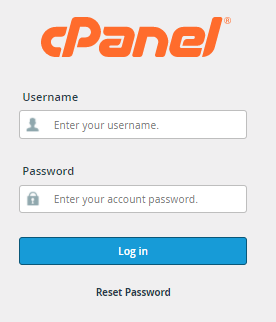
1) Log into cPanel
2) Entry process entry is on the Stats column as below
