
How To Create Email Account in cPanel
Here is how you can create new email account in cPanel :
1. Login into your cPanel using domain.com/cPanel
2. Go to “Mail” and click on “Email Account”
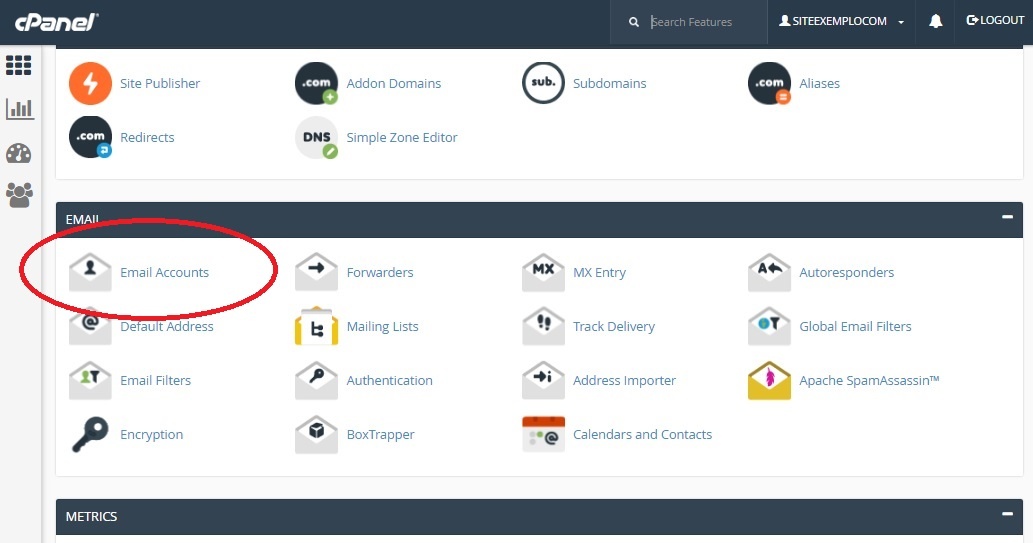
3. You can insert all necessary information for the new email account.
4. Click “Create Account” to create email account

5. Try to access your email account via yourdomain.com/webmail