
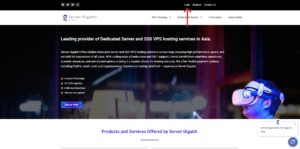
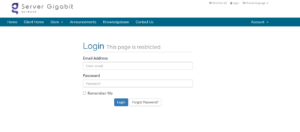
1. Log in to Your VPS Provider Account
-
-
Open your browser and access your VPS dashboard.
-
2. Click on the ‘Services’ .
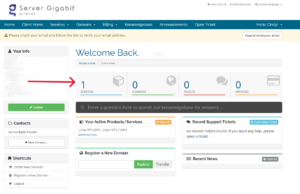
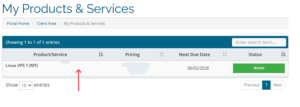
3. Select the VPS / Server
-
-
Click on the VPS you want to reset the password for.
-
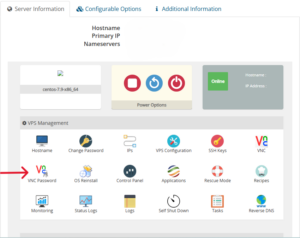
4. Scroll down to Server Information session, then click on VNC Password
5. Enter a New Password
-
-
Use a strong password with uppercase, lowercase, numbers, and symbols.
-
Save the password somewhere secure.
-
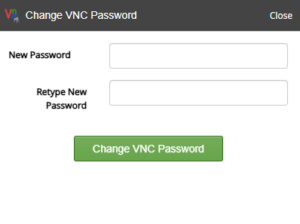
6. Apply the Changes
-
-
Click Change VNC Password.
-