
What is VNC?
VNC (Virtual Network Computing) is a protocol that lets you remotely access the graphical desktop of a server or VPS.
-
Unlike SSH (command-line only), VNC shows you the full GUI of the operating system.
-
Useful for Windows VPS or Linux VPS with a desktop environment.
How to Use VNC in VPS Control Panel
1. Log in to Your VPS Provider Account
-
-
Open your browser and access your VPS dashboard.
-
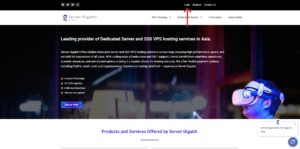
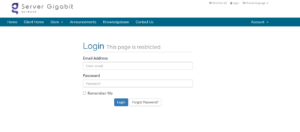
2. Click on the ‘Services’ .
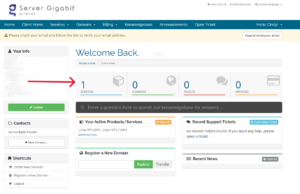
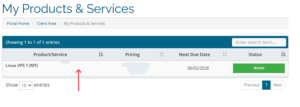
3. Select the VPS / Server
-
-
Click on the VPS you want to reset the password for.
-
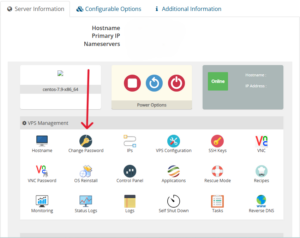
4. Scroll down to Server Information session, then click on VNC
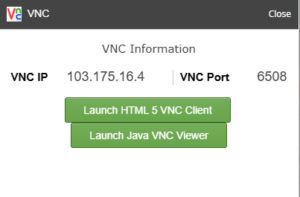
5. Select ‘Launch HTML 5 VNC Client’ or ‘Launch Java VNC Viewer’.
6. Enter Credentials
-
Enter your username: root
- Your VPS password
- Then you successfully access your VPS