
VPS Speed and Bandwidth Issues: 5 Easy Steps to Fix Low VPS Performance VPS Speed and Bandwidth Issues are one of the most common problems affecting server performance. Slow VPS speed can impact website loading, application performance, and overall user experience. In this guide, we’ll walk you through 5 easy steps to identify, troubleshoot, and fix VPS bandwidth and speed issues quickly, whether you’re using Linux or Windows VPS.
Steps to Handle Low Bandwidth / VPS Speed Issues
Step 1: Verify Your VPS Plan
-
Check the advertised speed, bandwidth quota, and fair usage policy (FUP).
-
Make sure your expectations match the plan description.
-
Confirm whether your VPS plan is shared or dedicated, as shared nodes may affect speed.
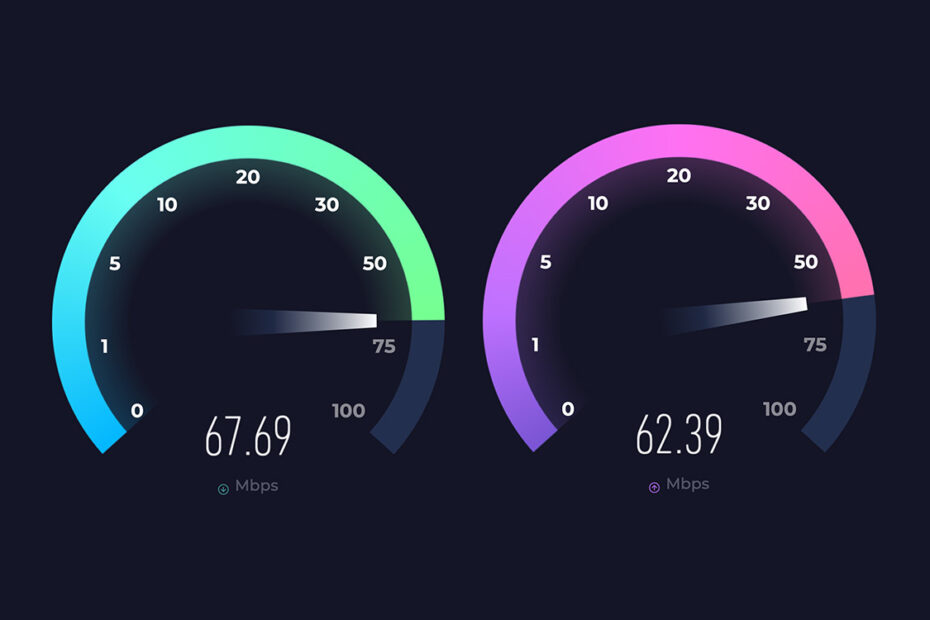
Step 2: Run Speed Tests
-
Linux: Use
speedtest-clito check download and upload speed. -
Windows: Visit speedtest.net or use
wget/curlfor download/upload testing. -
Test at different times to account for peak network hours.
Step 3: Check for Throttling or Limits
-
Review VPS usage statistics in your control panel.
-
Determine if bandwidth throttling or shared node congestion is causing the slowdown.
-
Confirm any network policies that may limit your VPS speed.
Step 4: Collect Evidence
-
Take screenshots of speed test results for reference.
-
Note the date, time, and VPS IP for accurate documentation.
-
Keep the original product description for comparison when contacting support.
Step 5: Contact Support
-
Submit a support ticket including all collected evidence.
-
Describe the speed problem clearly and include screenshots.
-
Ask the support team to verify throttling, network congestion, or server issues.
For a visual step-by-step guide, you can check the tutorial at this link: