Blacklist Sender In SPAM Expert (MY)
1. Enter SPAM Expert dashboard via client area. If user not familiar may refer to guideline (How To Enter SPAM Expert Dashboard) Blacklist Sender In SPAM Expert (MY)
2. Once enter, click on “Sender Blacklist” button under “Whitelist/Blacklist” session.
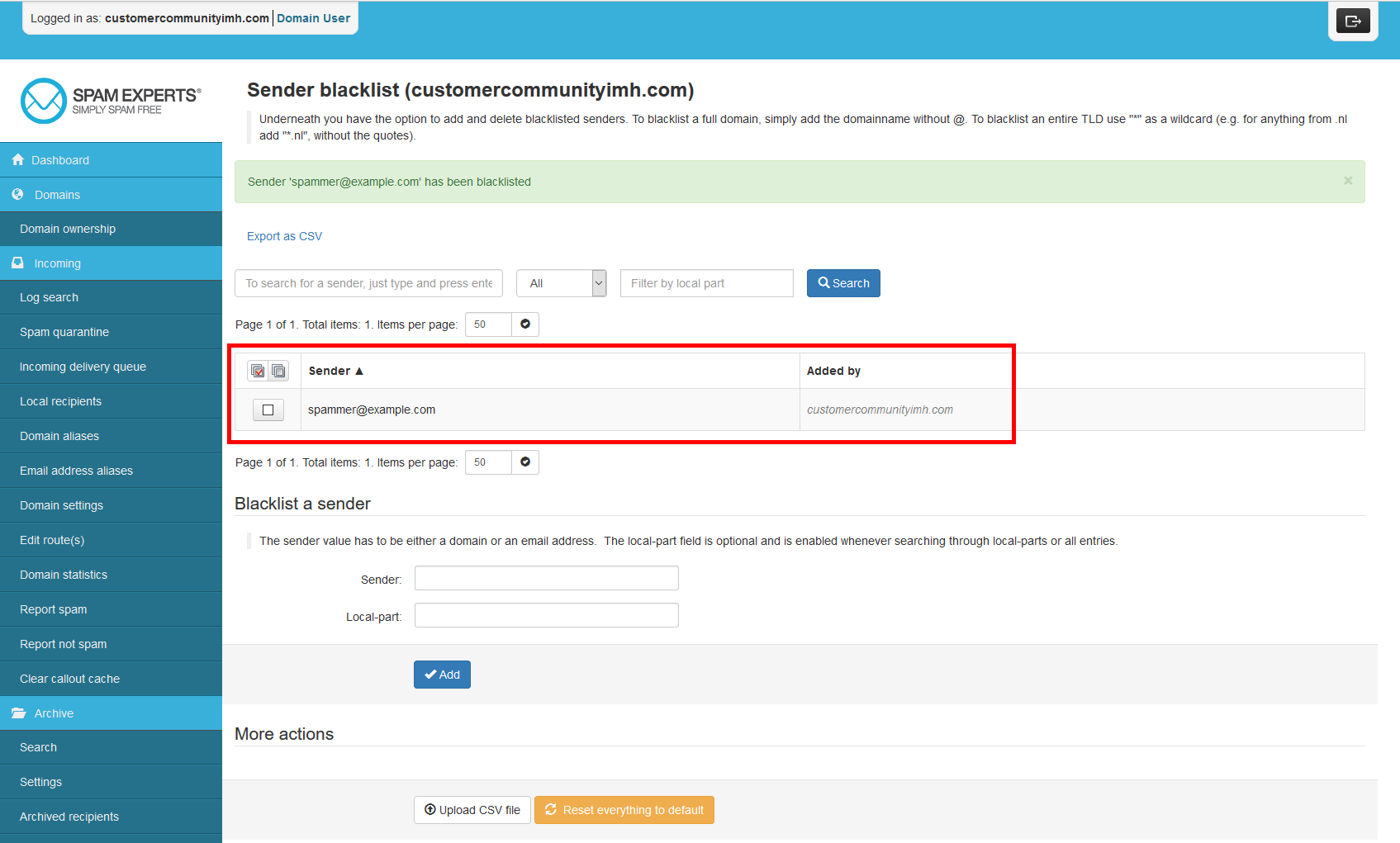
3. Key in the email address or hostname that you with to blacklist in the Sender box.
4. Click on “Add” to whitelist the email address / hostname.