
Introduction
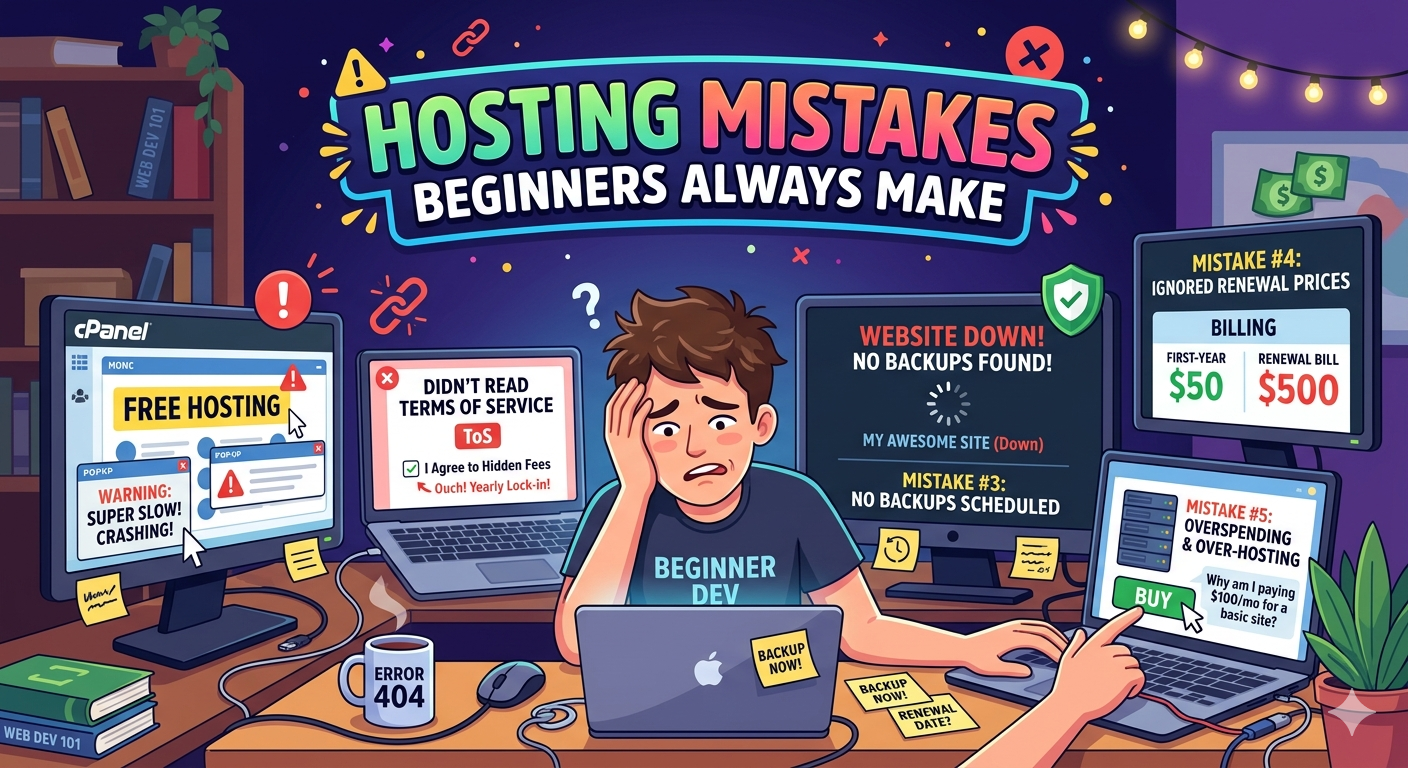
Hosting mistakes beginners make are extremely common when launching a new website. Many users rush into choosing a hosting provider without understanding key factors such as server performance, scalability, security, and resource allocation.
Web hosting is the foundation of every website. If the hosting environment is weak, your website will suffer from slow loading speeds, poor SEO rankings, frequent downtime, and security vulnerabilities.
In today’s competitive digital environment, even a few seconds of delay can impact user experience and conversions. That is why choosing the right hosting and avoiding beginner mistakes is critical for long-term success.
This guide covers the 8 most common hosting mistakes beginners make and how to avoid them using practical, real-world strategies.
1. Choosing Hosting Based Only on Price
One of the most critical hosting mistakes beginners make is selecting hosting based only on the lowest price.
Cheap hosting often results in:
- Oversold servers
- Slow CPU performance
- Limited memory and storage resources
- Poor support quality
These issues directly impact SEO performance and user experience.
How to avoid it:
Focus on value, not just cost. A slightly higher investment often provides significantly better uptime, speed, and reliability. For example, providers like Server Gigabit Network offer VPS and dedicated solutions designed for performance, stability, and scalability compared to ultra-low-cost hosting options.
2. Ignoring Customer Support Quality
Support quality is often overlooked until a critical issue occurs.
Poor support can result in:
- Extended downtime
- Slow issue resolution
- Revenue loss for business websites
How to avoid it:
Choose a hosting provider with 24/7 technical support, fast response times, and proven reliability through user reviews.
3. Not Understanding Hosting Types
Many beginners choose the wrong hosting type due to lack of understanding.
Hosting types explained:
- Shared Hosting → Low cost, limited resources, suitable for small websites
- VPS Hosting → Dedicated resources, better performance, ideal for growth
- Dedicated Server → Full hardware control, high performance for large-scale websites
How to avoid it:
Select hosting based on your current traffic and future growth plans. VPS hosting is often the most balanced option for scalability and performance.
4. Ignoring Backup Features
Many users assume backups are automatically handled, which can be risky.
Without proper backups, you risk losing:
- Website files
- Databases
- Media assets and configurations
How to avoid it:
Ensure your hosting provider includes automated backups or implement your own external backup strategy.
5. Overlooking Server Location
Server location directly affects latency and website speed.
If your server is far from your target audience, loading times increase and SEO performance may be affected.
How to avoid it:
Choose a data center closest to your primary audience for better speed and user experience.
6. Not Considering Scalability
Many beginners choose hosting that cannot scale with their website growth.
This leads to:
- Migration complexity
- Downtime during upgrades
- Performance bottlenecks during traffic spikes
How to avoid it:
Select scalable hosting solutions that allow seamless upgrades from shared hosting to VPS or dedicated servers.
7. Ignoring Security Features
Security is often ignored until a website is compromised.
Common risks include:
- Malware injections
- DDoS attacks
- Data breaches
How to avoid it:
Ensure hosting includes:
- Firewall protection
- SSL certificates
- Malware scanning
- Regular security updates
8. Not Testing Performance Before Buying
Many beginners purchase hosting without testing performance first.
This leads to poor loading speeds and user dissatisfaction.
How to avoid it:
Always check for:
- Trial periods
- Money-back guarantees
- Speed testing tools or test IP availability
Quick Comparison: Hosting Types
| Hosting Type | Performance | Cost | Best For |
|---|---|---|---|
| Shared Hosting | Low | Low | Beginners, small websites |
| VPS Hosting | Medium-High | Medium | Growing websites, apps |
| Dedicated Server | High | High | Enterprise, high traffic sites |
Internal Resource
If you are looking for scalable VPS solutions, you can explore options from Server Gigabit Network: https://www.servergigabit.com
Conclusion
Hosting mistakes beginners make can significantly impact website performance, SEO rankings, and business growth.
The key to success is not choosing the cheapest option, but selecting hosting that balances performance, scalability, security, and support.
By avoiding these common mistakes, you can build a faster, more secure, and scalable website that is ready for long-term growth.
