
5 Common Server Errors Explained (500, 502, 503) and How to Fix Them

Introduction
Server errors can frustrate visitors, harm SEO rankings, and impact conversions.
Understanding what causes errors like 500, 502, and 503, and knowing how to fix them, is crucial for website reliability.
In this article, we’ll explain 5 common server errors and practical ways to resolve them.
1. 500 Internal Server Error ⚠️
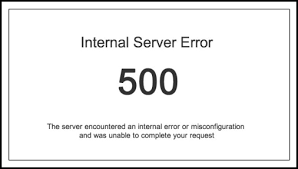
- Meaning: Generic error — server cannot complete the request.
- Common Causes:
- Corrupt
.htaccessfile - PHP or script errors
- Exhausted server resources
- Corrupt
- Fix:
- Check server logs to identify issues
- Restore or edit
.htaccess - Increase PHP memory limit if needed
2. 502 Bad Gateway Error 🌐
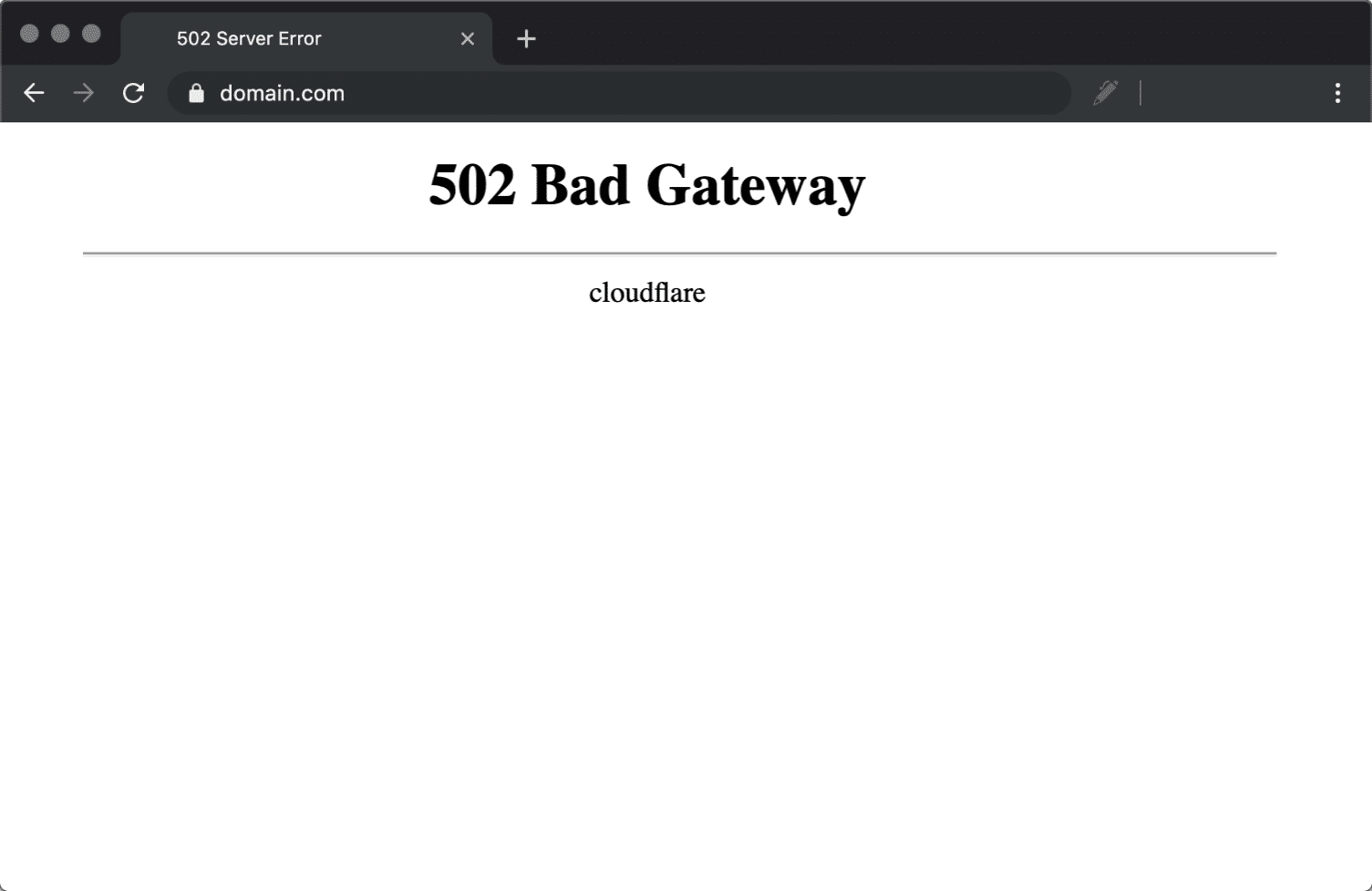
- Meaning: Server received an invalid response from another server (gateway/proxy).
- Common Causes:
- Overloaded server or firewall
- Faulty proxy or CDN configuration
- Fix:
- Restart server or services (Nginx, Apache)
- Check firewall and proxy settings
- Temporarily disable CDN to test
3. 503 Service Unavailable ⏱️
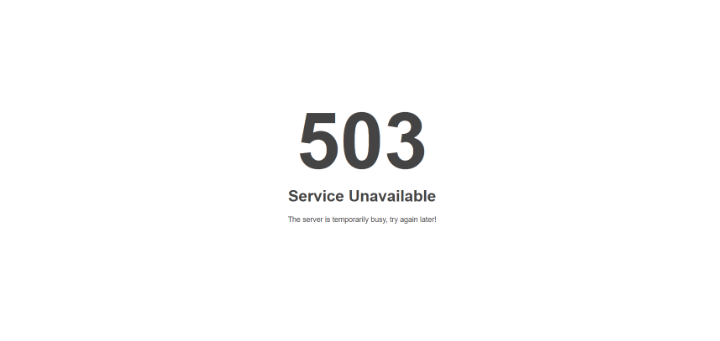
- Meaning: Server temporarily cannot handle the request.
- Common Causes:
- Server maintenance
- High traffic spikes
- Exhausted server resources
- Fix:
- Increase server capacity (RAM, CPU)
- Implement load balancing
- Set up scheduled maintenance notices
4. 504 Gateway Timeout Error ⏳
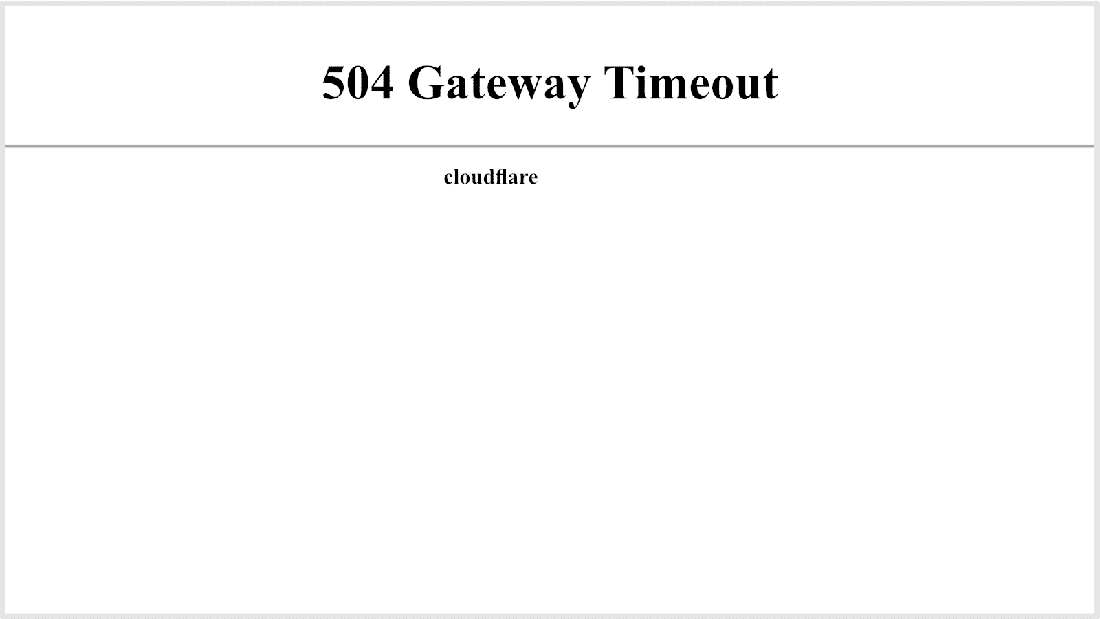
- Meaning: Server acting as a gateway did not receive a timely response.
- Common Causes:
- Slow upstream server
- Network connectivity issues
- Fix:
- Optimize server response time
- Check upstream server configuration
- Adjust timeout settings in server config
5. 400 Bad Request ❌
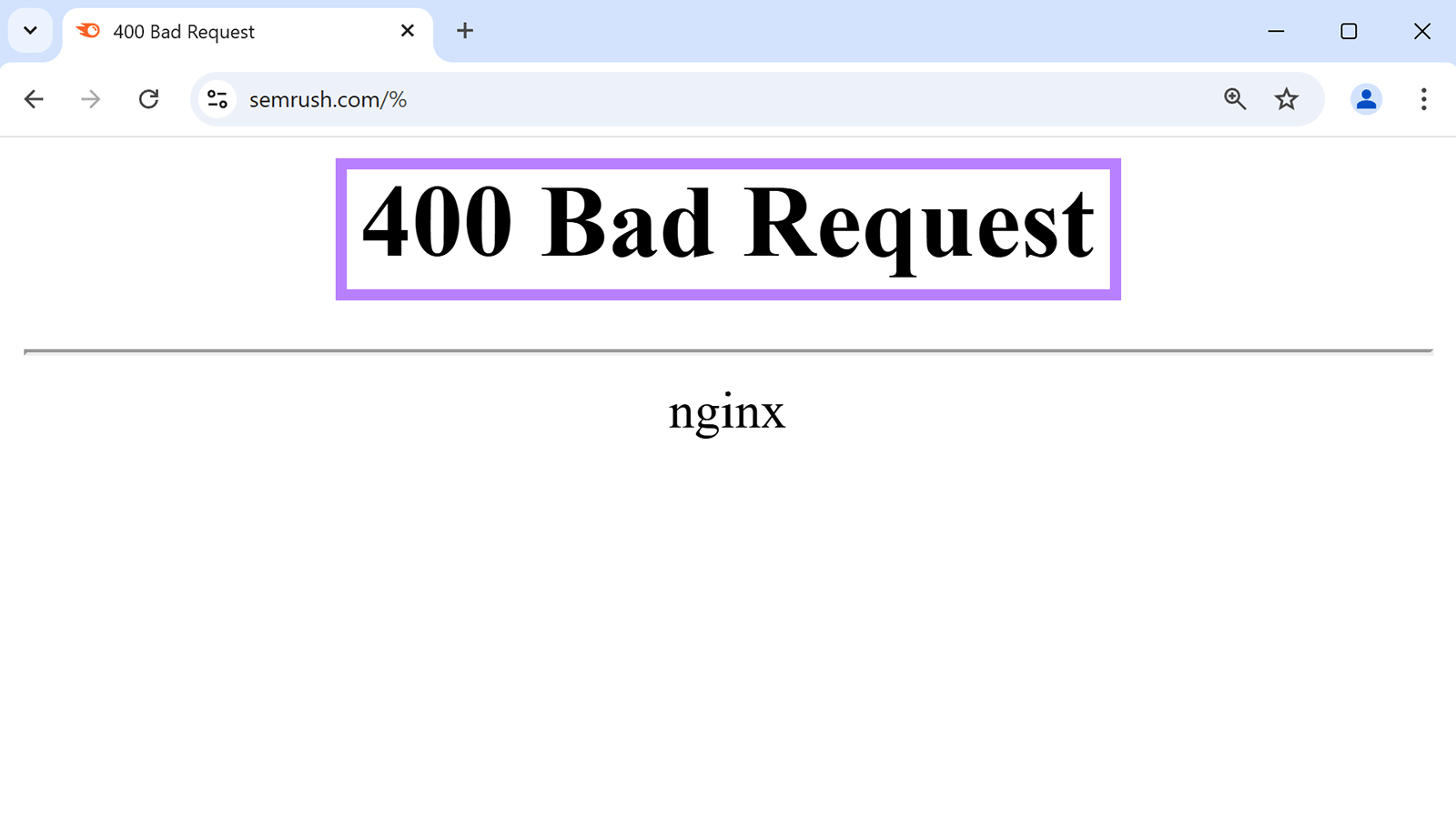
- Meaning: Client request cannot be processed due to invalid syntax.
- Common Causes:
- Corrupt cookies
- URL too long or malformed
- Fix:
- Clear browser cache and cookies
- Verify URLs and forms
- Check server rules for request limits
Conclusion
Server errors are common, but understanding their causes and solutions helps maintain website reliability.
Regular server monitoring, backups, and optimized configurations can prevent most of these errors, keeping your website fast and accessible.
