
Introduction
When a server goes down , most users only see an error page or a blank screen. But behind the scenes, a lot of things are actually happening when a server goes down. It’s not just “the website is broken”—it can involve hardware failure, network issues, overload, or even software errors.
Understanding what happens behind the scenes when a server goes down is important for anyone who runs a website, uses hosting services, or works in IT. In this article, we’ll break it down in a simple way so you can clearly see what’s really going on.
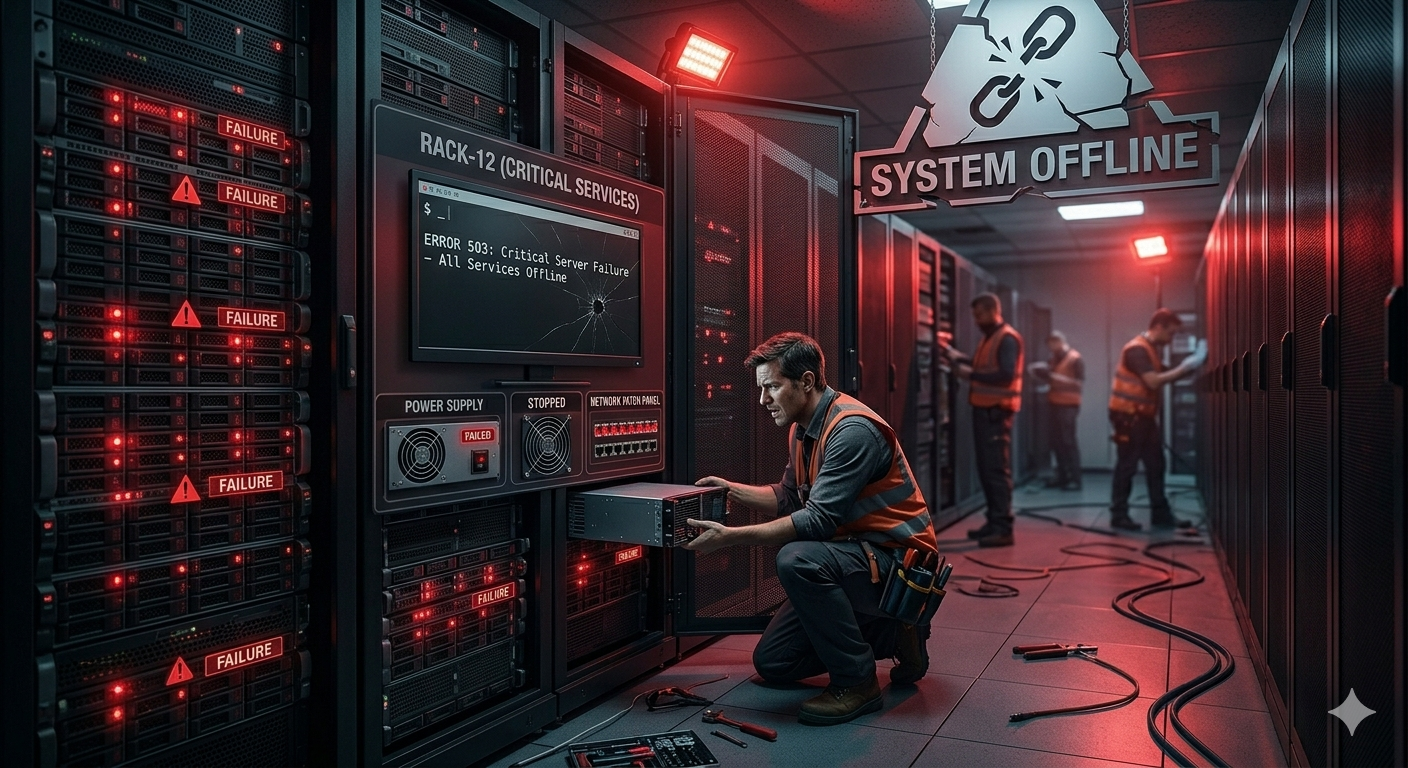
1. The Server Stops Responding
The first sign of a problem is when the server stops responding to requests.
Normally, when a user visits a website, the server replies within milliseconds. But when a server goes down, it either:
- stops responding completely, or
- responds too slowly to be useful
This is why users see errors like “This site can’t be reached” or “502 Bad Gateway.”
2. Requests Start Failing
Once the server is down, all incoming requests from users start failing.
This includes:
- website visitors trying to load pages
- API requests from apps
- database queries from backend systems
Basically, everything that depends on the server gets affected at the same time.
3. DNS Still Points to the Same Server
Even when a server is down, the DNS (Domain Name System) usually still points users to the same IP address.
That means users are still being directed to the correct location—but there’s nothing working on the other side to respond.
This is why the website still “exists” but is not accessible.
4. Load Balancers Try to Redirect Traffic
In more advanced setups, load balancers may try to help.
A load balancer’s job is to distribute traffic across multiple servers. When one server goes down, it may:
- redirect traffic to backup servers
- remove the failed server from rotation
- try to balance the load elsewhere
However, if all servers are affected, the system still fails.
5. Monitoring Systems Detect the Failure
Modern hosting systems usually have monitoring tools running in the background.
These tools detect issues like:
- high response time
- server downtime
- CPU or memory overload
Once detected, alerts are sent to system administrators via email, SMS, or dashboards.
6. Recovery Process Begins
After detection, engineers or automated systems try to bring the server back online.
This may include:
- restarting the server
- fixing software bugs
- rolling back updates
- switching to backup systems
In some cases, if the hardware is damaged, it may need full replacement.
7. Website Gradually Comes Back Online
Once the issue is fixed, the server starts responding again.
At first, performance may be unstable due to traffic recovery, but eventually:
- requests are processed normally
- website loads properly again
- services return to normal
Users usually just notice that “the website is working again,” without seeing the recovery process
8. Impact of Server Downtime on Users and Business
When a server goes down, the impact is not only technical—it also affects real users and business operations.
For users, it usually means:
- Unable to access websites or services
- Failed transactions or form submissions
- Interrupted work or learning activities
For businesses, the effects can be more serious:
- Loss of revenue (especially for eCommerce sites)
- Damage to brand reputation
- Decreased customer trust
- Potential SEO ranking drop if downtime is frequent
This is why uptime is very important in hosting services, especially for websites that rely heavily on traffic and online sales.
9. How Companies Minimize Server Downtime
Most professional hosting providers and companies take several steps to reduce downtime and prevent server failures.
Some common methods include:
- Redundant servers – backup servers ready to take over
- Cloud hosting – distributes resources across multiple machines
- Auto-scaling systems – adds more resources during traffic spikes
- Regular backups – ensures data can be restored quickly
- Monitoring tools – detects issues before users are affected
These systems work together to make sure downtime is as short as possible—or avoided completely.
10. What Users Can Do When a Server Is Down
While users cannot directly fix server issues, there are a few things they can do:
- Refresh the page after a few minutes
- Check if the website is down for everyone or just you
- Clear browser cache if needed
- Try accessing via another network or device
In most cases, server issues are temporary and will be resolved by the website owner or hosting provider.
.
Why Server Downtime Happens
Server downtime can happen for many reasons, including:
- traffic overload (too many users at once)
- hardware failure
- software bugs or bad updates
- network issues
- DDoS attacks
Even big companies experience downtime occasionally.
Conclusion
When a server goes down, it’s not just a simple crash—it triggers a chain reaction involving requests, DNS, load balancers, and monitoring systems. Everything is connected, and even a small issue can affect thousands of users instantly.
By understanding what happens behind the scenes when a server goes down, you can better manage websites, troubleshoot issues faster, and choose more reliable hosting solutions.
