
How To Fix Website Speed Issues
Introduction
Knowing how to fix website speed issues is crucial for improving user experience, SEO rankings, and conversions. A slow website not only frustrates visitors but also causes higher bounce rates and lower engagement. In today’s competitive online environment, speed is no longer optional—it’s a necessity.
One of the most effective ways to solve performance problems is upgrading to VPS hosting (Virtual Private Server). Unlike shared hosting, VPS provides dedicated resources, better control, and improved scalability.
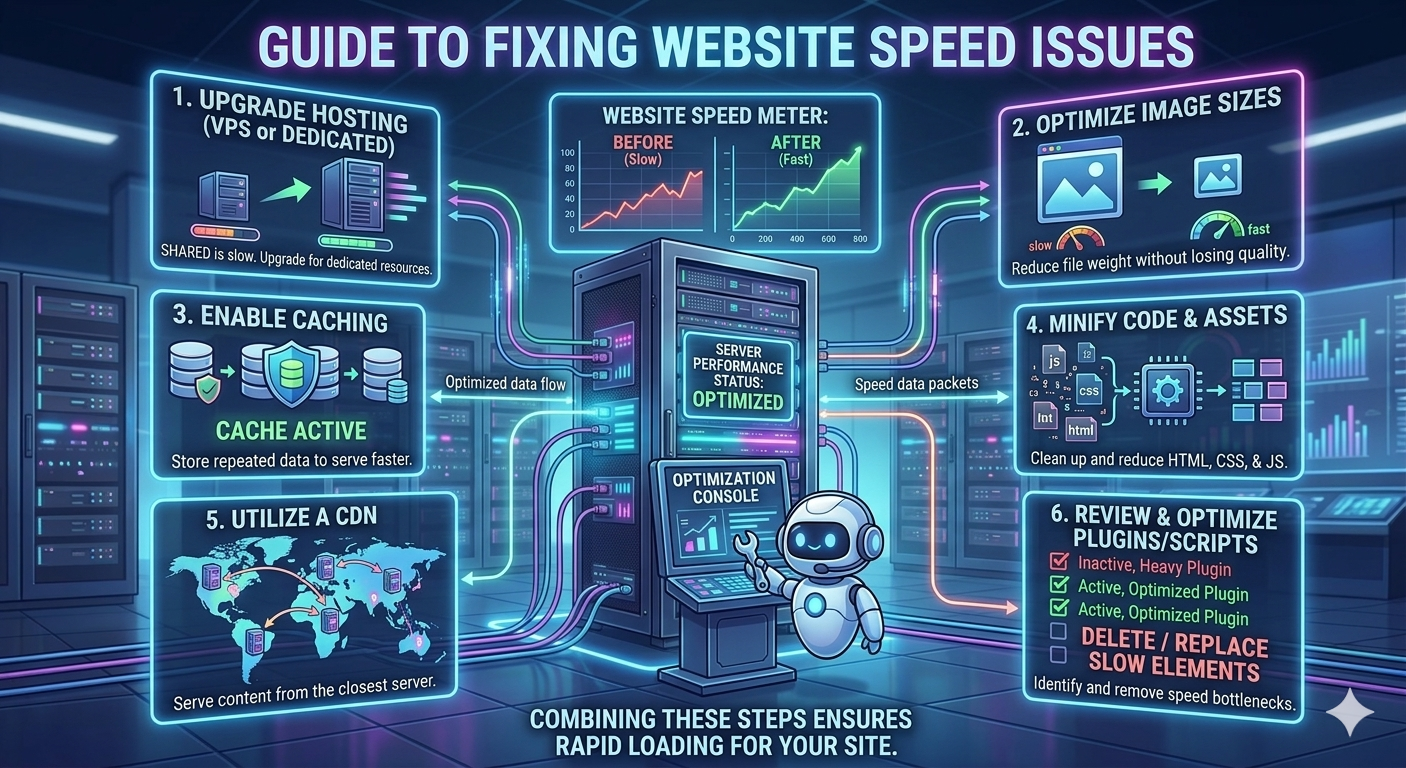
In this guide, we’ll explore 6 expert tips to fix website speed issues and ensure your site delivers fast, reliable performance.
1. Upgrade Your Hosting (VPS or Dedicated)
Your hosting provider is the foundation of your website’s performance.
- Shared hosting means your site competes for CPU, RAM, and bandwidth with many others
- This can lead to slow server response times and inconsistent performance
- VPS or dedicated servers provide dedicated resources for your website
Why it matters:
Upgrading to VPS reduces Time to First Byte (TTFB) and ensures your server can handle more traffic efficiently. It’s one of the most important steps in learning how to fix website speed issues.
2. Optimize Image Sizes
Images are often the largest elements on a webpage.
- Large, high-resolution images increase loading time
- Use compression tools to reduce file size without losing quality
- Convert images to modern formats like WebP for better performance
Why it matters:
Optimized images load faster, especially on mobile devices, improving user experience and SEO.
3. Enable Caching
Caching improves performance by storing frequently accessed data locally.
- Browser caching allows returning visitors to load pages faster
- Server-side caching reduces processing time for repeated requests
- Cached files load almost instantly compared to fresh downloads
Why it matters:
Caching reduces server load and speeds up page delivery, making your website feel much faster.
4. Minify Code & Assets (HTML, CSS, JS)
Website code often contains unnecessary elements that slow performance.
- Remove spaces, comments, and unused code
- Combine multiple files into fewer requests
- Use tools or plugins to automate minification
Why it matters:
Smaller code files improve loading speed and help browsers render pages faster.
5. Utilize a Content Delivery Network (CDN)
Distance between server and user affects loading speed.
- A CDN stores copies of your site across global servers
- Users receive content from the nearest location
- Reduces latency and improves international performance
Why it matters:
A CDN ensures fast loading speeds for users worldwide, making it essential for growing websites.
6. Review & Optimize Plugins/Scripts
Too many plugins or scripts can slow down your website significantly.
- Each plugin adds extra server requests
- Poorly coded plugins can create performance bottlenecks
- Remove unused plugins and optimize the rest
Why it matters:
Reducing unnecessary scripts improves speed and prevents server overload.
Bonus Tips for Better Performance
To further improve speed, consider these additional strategies:
- Use SSD or NVMe storage for faster data access
- Enable GZIP compression to reduce file sizes
- Optimize your database regularly
- Limit external scripts like ads or tracking tools
Conclusion
Understanding how to fix website speed issues is essential for building a fast, reliable, and user-friendly website. From upgrading to VPS hosting to optimizing images, enabling caching, and reducing unnecessary scripts, each step plays a critical role in improving performance.
A faster website not only enhances user experience but also boosts SEO rankings and increases conversions. By applying these strategies, you can ensure your website delivers lightning-fast performance and supports long-term growth.
