Introduction
If you run a VPS server, one of the most common threats you’ll face is a brute force attack. Hackers try countless username and password combinations to gain unauthorized access.
Learning how to protect your VPS from brute force attacks is essential to keep your server secure, prevent downtime, and safeguard sensitive data.
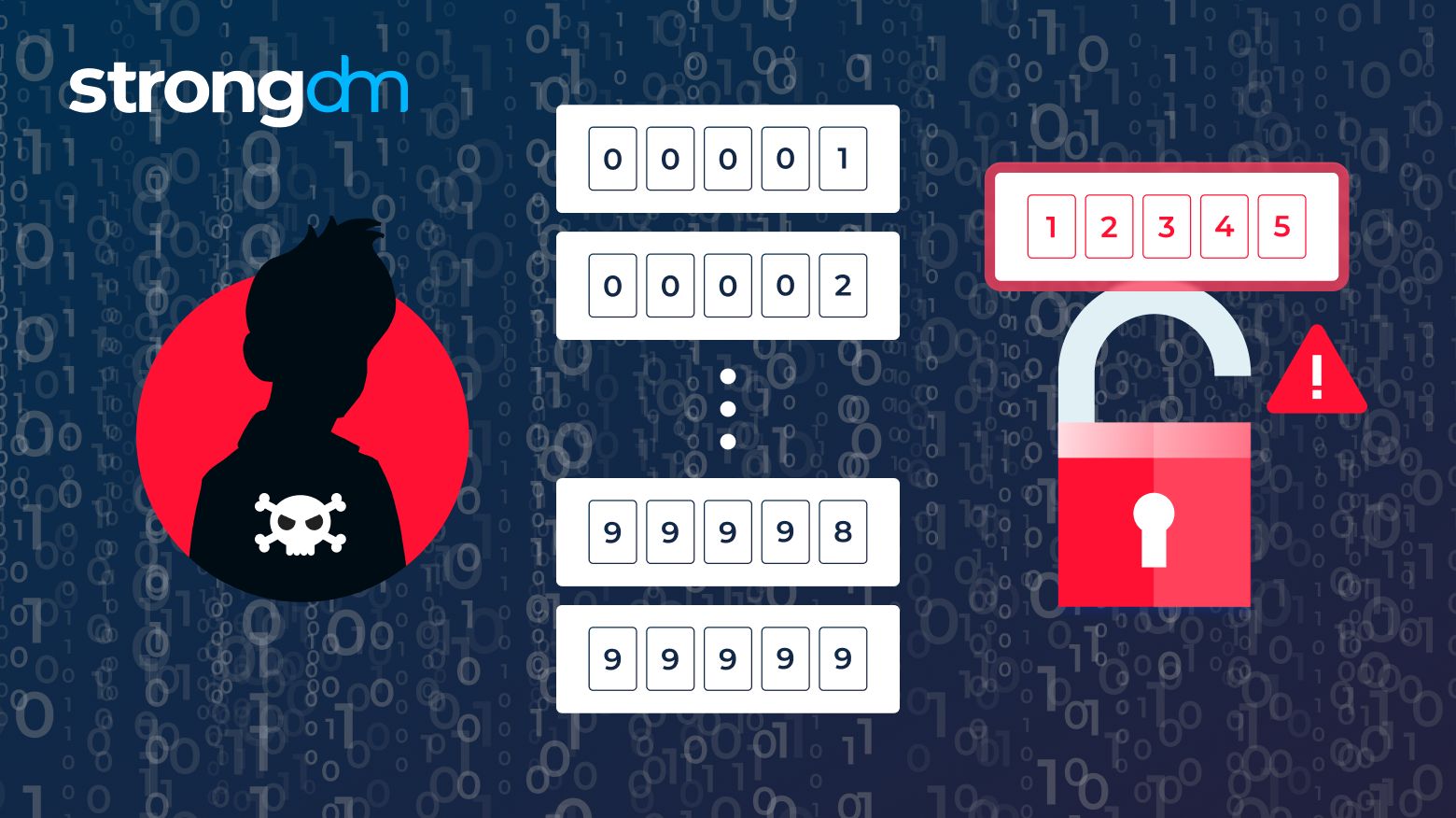
What Are Brute Force Attacks?
A brute force attack is a method hackers use to break into your VPS by systematically trying every possible password combination until they succeed.
These attacks are automated and can occur constantly, targeting services like:
- SSH
- FTP
- Admin panels
Why VPS Servers Are Vulnerable
VPS servers are attractive targets because they often:
- Host websites or apps with sensitive data
- Run publicly accessible services
- Have weak or default login credentials
Even one weak password can allow hackers full control of your VPS.
7 Proven Ways to Protect VPS from Brute Force Attacks
1. Use Strong Passwords
- Use passwords with at least 12 characters, including letters, numbers, and symbols.
- Avoid common passwords like “admin123” or “password.”
- Consider using a password manager.
2. Enable Two-Factor Authentication (2FA)
- Add an extra layer of security with 2FA.
- Even if a hacker guesses your password, they cannot log in without the second factor.
3. Limit Login Attempts
- Restrict the number of failed login attempts before blocking an IP.
- Tools like Fail2Ban can automatically ban IPs after repeated failures.
4. Change Default SSH Port
- Default SSH port 22 is well-known to attackers.
- Change it to a high-numbered port (e.g., 2202) to reduce automated attacks.
5. Use Fail2Ban
- Fail2Ban monitors server logs and blocks suspicious IPs.
- It can be configured to protect SSH, FTP, and other services.
6. Implement Firewalls
- Use firewall rules to allow access only from trusted IPs.
- Tools like UFW or iptables can secure your VPS against brute force attacks.
7. Keep Software Up-to-Date
- Apply updates to the operating system, control panels, and apps.
- Many attacks exploit outdated software vulnerabilities.
Monitoring and Alerts
- Regularly check logs for unusual login attempts.
- Use monitoring tools that alert you to repeated failed login attempts.
- Early detection helps prevent breaches before damage occurs.
Conclusion
Learning how to protect your VPS from brute force attacks is essential for server security.
By implementing strong passwords, 2FA, limiting login attempts, using Fail2Ban, firewalls, and keeping software updated, you significantly reduce the risk of unauthorized access.
A secure VPS ensures uptime, protects sensitive data, and builds trust for your website or application in 2026.