

VPS (Virtual Private Server) hosting offers enhanced performance, greater control and improved flexibility compared to shared hosting. It allows website owners and businesses to customize their server environment according to specific needs. However, with this increased level of control comes greater responsibility for server security. Without proper security measures, a VPS can become vulnerable to hacking attempts, malware infections, data breaches and service disruptions.
Ensuring your VPS is secure is essential to protect your website, applications and sensitive data while maintaining stable performance. Below are the best seven VPS security practices you must follow to keep your server safe and reliable.
1. Keep Your Server Software Up to Date
Keeping your operating system, control panel and installed applications up to date is one of the most critical VPS security practices. Software updates often include security patches that fix known vulnerabilities attackers actively exploit. Delaying updates leaves your server exposed to unnecessary risks. You should enable automatic updates where possible or schedule regular maintenance checks to ensure your VPS remains protected against the latest threats.
2. Use Strong Passwords and SSH Keys
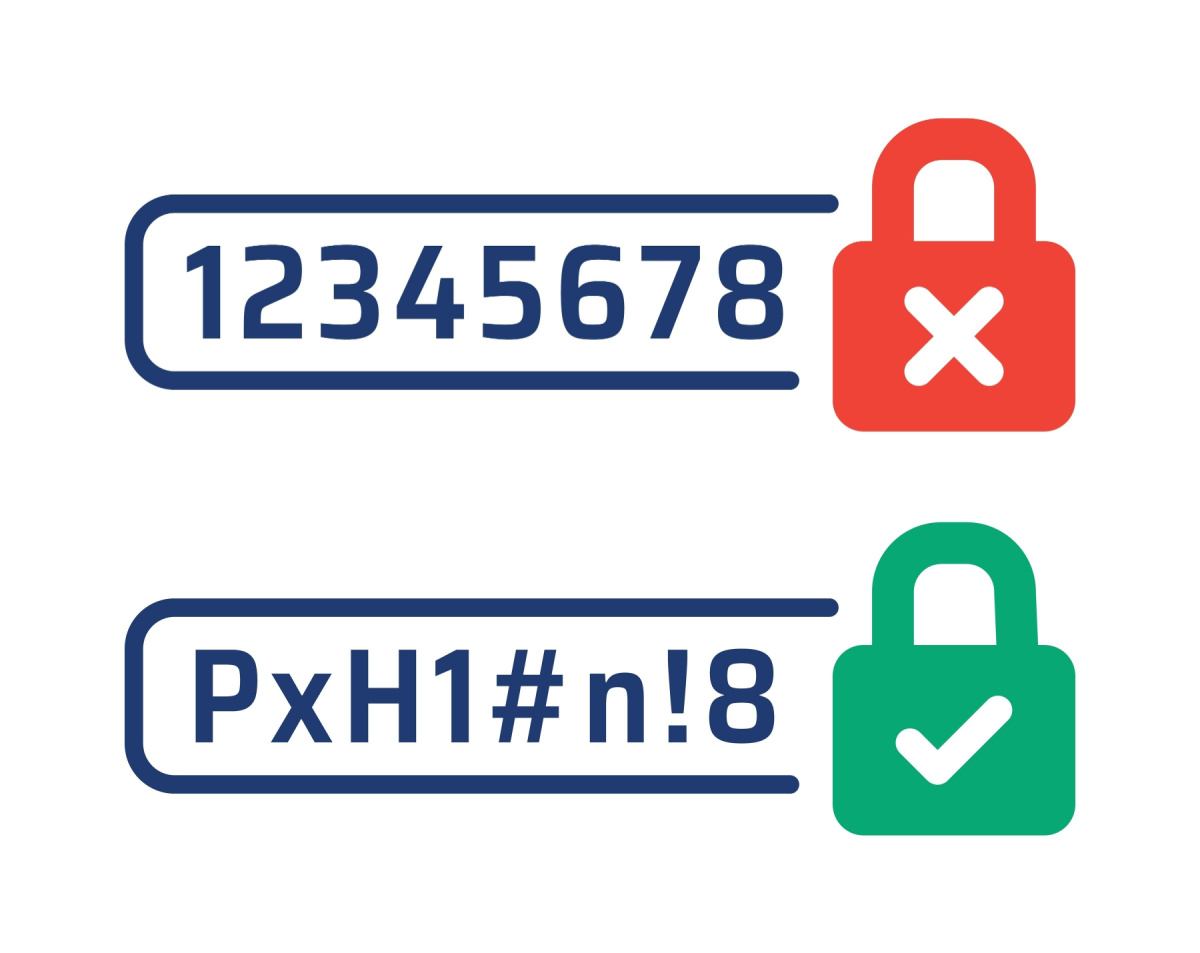
Weak passwords are one of the most common entry points for cyberattacks. Always use strong, unique passwords that include a combination of uppercase letters, lowercase letters, numbers and special characters. For even stronger protection, replace password-based login with SSH key authentication. SSH keys provide a more secure method of access and are extremely difficult to brute-force, significantly reducing the risk of unauthorized access.
3. Configure Firewalls and Security Groups
Firewalls serve as the first line of defense against malicious traffic. Configure your VPS firewall to allow only essential ports and services, such as SSH or web services, while blocking all unnecessary connections. Many VPS providers also offer security groups or network-level access controls that allow you to restrict server access to trusted IP addresses. Proper firewall configuration minimizes exposure to attacks and keeps your VPS environment secure.

4. Regularly Backup Your Data
No security strategy is complete without regular backups. Data loss can occur due to hardware failure, malware attacks or accidental deletion. Schedule automated backups of your website files, databases and server configurations. Store backups in an offsite or cloud location separate from your VPS to ensure quick recovery in the event of a security incident or system failure. Reliable backups provide peace of mind and business continuity
5. Monitor and Limit User Access
VPS hosting often involves multiple users, developers or administrators accessing the server. Limit access to only authorized users and apply the principle of least privilege, granting users only the permissions they need. Regularly review user accounts and remove inactive or unnecessary access. Monitoring login activity and access logs helps detect suspicious behavior early and prevents unauthorized changes to your system.
6. Install Security Software and Malware Scanners
Installing security tools such as antivirus software, intrusion detection systems (IDS) and malware scanners adds another layer of protection to your VPS. These tools continuously monitor server activity, detect malicious files and alert you to suspicious behavior. Regular scans help identify threats early, allowing you to resolve security issues before they impact your website or data.
7. Disable Unnecessary Services and Ports
Every active service or open port on your VPS increases its attack surface. Review your server configuration and disable any unused services, applications or ports that are not required for normal operation. By reducing the number of exposed entry points, you make it significantly harder for attackers to exploit vulnerabilities and gain unauthorized access.
