
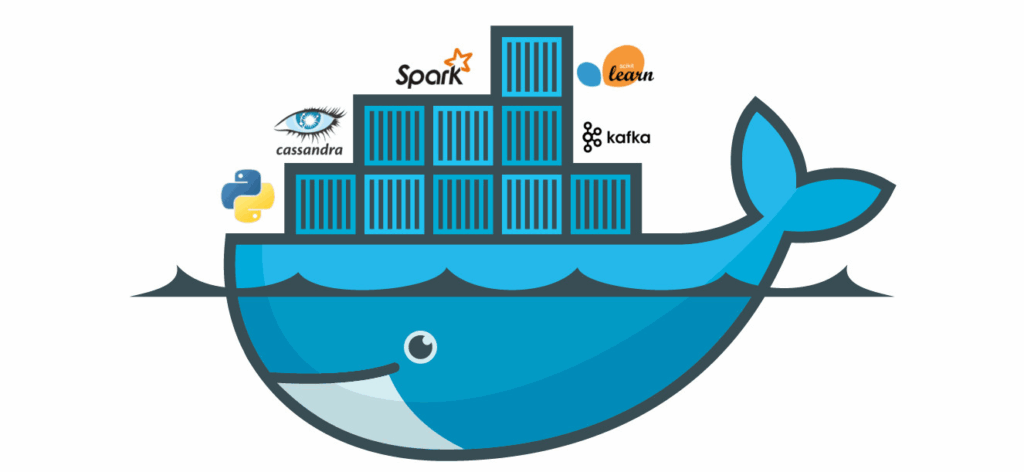
What is Docker platform actually? How would it benefit us? Docker is an open platform designed for building, distributing and running applications in a simple and efficient way. It allows you to isolate your applications from the underlying infrastructure, which enables faster, more reliable software delivery. With Docker, you can manage your infrastructure just like your applications. By leveraging Docker’s approach to packaging, testing and deploying code, you can greatly minimize the time between writing code and deploying it to production.
What is Docker Platform and How Does It Work?
Docker platform enables you to package and run applications in a loosely isolated environment known as a **container**. A container includes the application code, runtime, libraries and system tools required to run the application. Because everything is bundled together, the application behaves the same way regardless of where it is deployed. Containers are lightweight and include everything required to run an application, eliminating the need to depend on the host’s setup.
Docker works by using the host system’s operating system kernel while keeping each container isolated. Each container runs as a separate process, which means multiple containers can run on the same machine without interfering with each other. This makes it fast to start, easy to manage and resource-efficient.
Another key advantage of the Docker platform is portability. You can easily share containers with others, ensuring consistency and reliability across different environments. Whether you are running applications on a local machine, a cloud platform or a hybrid infrastructure, Docker helps maintain consistency across all environments.
What is Docker’s Toolset for Managing the Container Lifecycle?
* Develop your application and its supporting services safely inside containers for better consistency.
* Use containers as the core unit for testing and distributing your application reliably and efficiently.
* When ready, deploy your application to production either as individual containers or as part of an orchestrated service. This process works seamlessly across local data centers, cloud environments or hybrid setups.
What Are the Key Benefits of Using Docker Platform for Application Deployment?
- Fast and Consistent Application Delivery: Docker helps make the development process faster and more reliable by letting developers work in consistent, standardized environments. Using containers, teams can package their applications and services so they run the same way everywhere — on a laptop, in testing or in production. This makes Docker perfect for continuous integration (CI) and continuous delivery (CD) workflows.
- Portability Across Environments: Docker containers can run on any computer or server that has Docker installed, including local machines, cloud servers or a mix of both. This makes moving and scaling applications quick and easy.
- Efficient Resource Usage: Containers share the host OS kernel, making them lightweight compared to virtual machines. This improves performance, reduces infrastructure costs and allows applications to scale quickly.
- Enhanced Collaboration and Productivity: Docker ensures a consistent environment for developers, testers and operations teams. Sharing container images reduces environment-related issues and boosts team productivity.
- Better Reliability and Recovery: Containers can be restarted or redeployed quickly, improving system reliability and minimizing downtime in production environments.
Here’s how Docker might look in practice:
- Developers build and test code locally using Docker containers, then share those containers with teammates.
- They push the same containers to a test environment to run both automated and manual tests.
- If any bugs show up, developers can fix them locally and redeploy the containers for retesting.
- Once everything checks out, deploying the updated version is as easy as pushing the new image to production.
In essence, Docker streamlines collaboration and ensures your apps run smoothly and consistently across every stage of development. Please refer this guide for Docker installation and deployment.
