
Rent a Dedicated Mac mini M6 in the Cloud
Get remote access to a dedicated Mac in cloud powered by Apple Silicon M6 with a complete macOS environment. Server Gigabit makes it easy to rent a Mac online for Xcode, iOS and macOS development, CI/CD, software testing, automation, and remote Mac access.
- M6 Apple Silicon
- Dedicated hardware
- Full admin access
- Live chat support
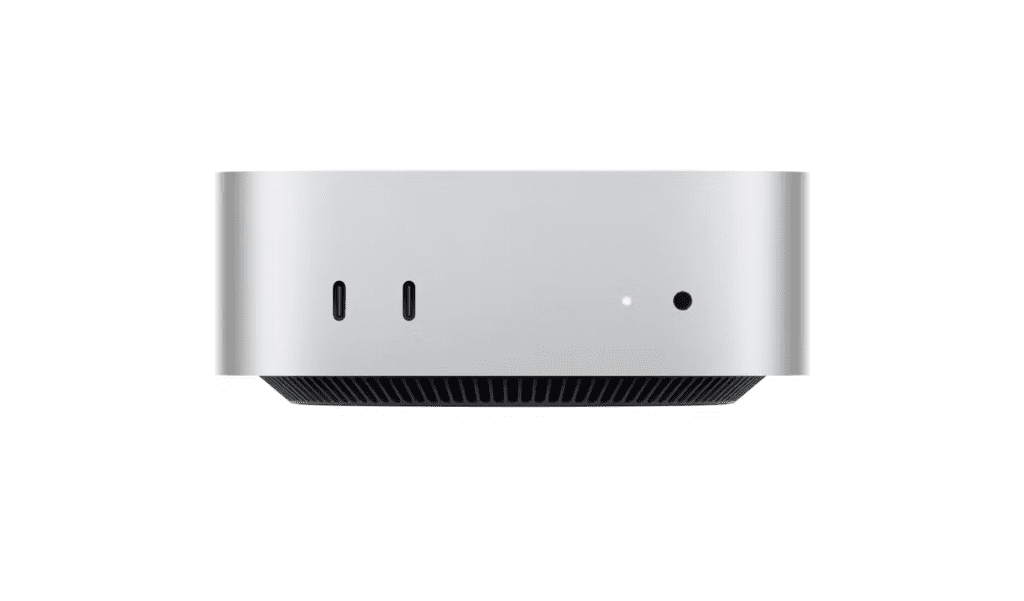
Server Gigabit provides managed and dedicated cloud Mac servers, private cloud solutions, and DevOps infrastructure for businesses and developers. Get remote access to dedicated Mac servers on demand for AI development, app development, Xcode, macOS workloads, software testing, AI automation, and enterprise builds.
Our Mac in cloud solutions run on genuine Apple Mac hardware hosted in Malaysia data centers, giving you dedicated resources and a complete macOS environment without the cost and complexity of purchasing and maintaining your own Mac infrastructure.
Whether you need a dedicated Mac for development, a remote Mac for testing, or scalable Mac infrastructure for enterprise DevOps and CI/CD pipelines, Server Gigabit provides flexible solutions designed for modern development teams.
Monthly
Mac Mini
- Apple M6‑chip
- 12-core CPU
- 12-core GPU
- 16-core Neural Engine
- 16GB unified memory
- 256GB SSD Storage
- 100 Mbps Bandwidth
- 1 IP Address
- Data Center: Malaysia
$169.00/month
Quarterly
Mac Mini
- Apple M6‑chip
- 12-core CPU
- 12-core GPU
- 16-core Neural Engine
- 16GB unified memory
- 256GB SSD Storage
- 100 Mbps Bandwidth
- 1 IP Address
- Data Center: Malaysia
$159.00/month
Semi-Ann
Mac Mini
- Apple M6‑chip
- 12-core CPU
- 12-core GPU
- 16-core Neural Engine
- 16GB unified memory
- 256GB SSD Storage
- 100 Mbps Bandwidth
- 1 IP Address
- Data Center: Malaysia
$149.00/month
Annually
Mac Mini
- Apple M6‑chip
- 12-core CPU
- 12-core GPU
- 16-core Neural Engine
- 16GB unified memory
- 256GB SSD Storage
- 100 Mbps Bandwidth
- 1 IP Address
- Data Center: Malaysia
$139.00/month
*Pre-order now, deliver on October 2026
No shared resources. No unnecessary restrictions. Just your own Mac environment in the cloud.
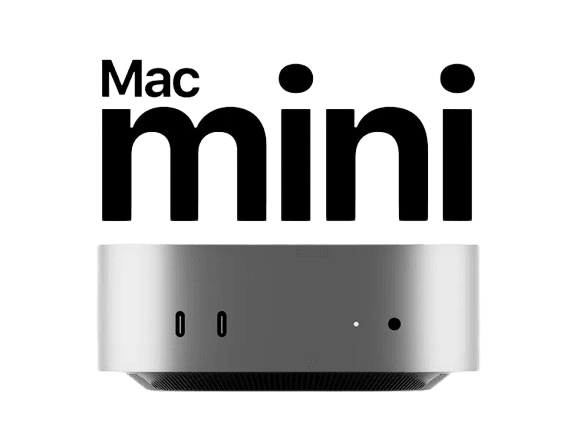
Get full administrator access to a dedicated Mac mini M6 in the cloud with no shared resources. Install the software, tools, and development environments you need and enjoy complete control over your macOS server.

24/7 Dedicated Support
Get reliable real-human technical support from an experienced team that understands Mac hosting, macOS environments, and remote Mac servers. From initial setup and configuration to troubleshooting and performance optimization, we’re here to help keep your dedicated Mac running smoothly.
Why Choose Mac Mini M6
Next-Gen Apple Silicon
The M6 is designed to handle demanding development, creative and AI workloads efficiently.
Full Root Access
Complete administrative control. Install any software, configure exactly to your needs.
Remote Access
Secure SSH and VNC access from anywhere in the world, backed by gigabit networking.
Zero Maintenance
We handle power, cooling, network, and hardware failures. You focus on building.
Start anything instantly
No sandboxes. No restrictions. Install anything you need and start building instantly.

Xcode

Android Studio

ChatGPT

OpenClaw
Get your cloud Mac in 3 steps
1.Choose your plan
Choose a plan that fits your needs. Your Mac mini M6 is provisioned instantly.
2.Connect via remote desktop
Download DeskIn and connect in seconds. 1 Gbps, direct to hardware.
3.Install anything and build
Full admin access. Xcode, Docker, OpenClaw, whatever your workflow demands.
Common questions
It’s depends on your uses.
Mac Mini M4 – Affordable dedicated Mac for everyday development, Xcode, iOS development, software testing and remote macOS access.
Mac Mini M6 – Next-generation dedicated Mac for demanding development, CI/CD, AI workloads, large builds, testing and enterprise applications.
You can easily access your Mac from anywhere using DeskIn remote desktop. Clear setup instructions are provided so you can connect from Windows, Linux, or another Mac device, giving you the full macOS desktop experience.
Yes. You receive complete administrator access, allowing you to install software, adjust system settings, and fully customize the Mac as if it were physically on your desk.
Yes. The Mac you rent supports all kinds of software development. With admin rights, you can set up Xcode or any other development tools you need.
Your Mac mini M6 is a fully dedicated machine. It’s assigned only to you and not shared with other users.
Yes. Since you have administrator privileges, you can freely install and configure any software required for your work.
Yes. USB devices can be connected to your remote Mac through third-party solutions. Recommended options include:
USB Network Gate – compatible with macOS, Windows, and Linux.
FlexiHub – works with macOS, Windows, Linux, and Android.
Both require installation on your local computer and the remote Mac, and each offers a free trial.